2.3.3 Deactivating the controller manually
Press button for 3 seconds
➔ Manual controller deactivated.
Or:
Press button
➔ Manual controller deactivated.
2.4 Fresh air/recirculating air function
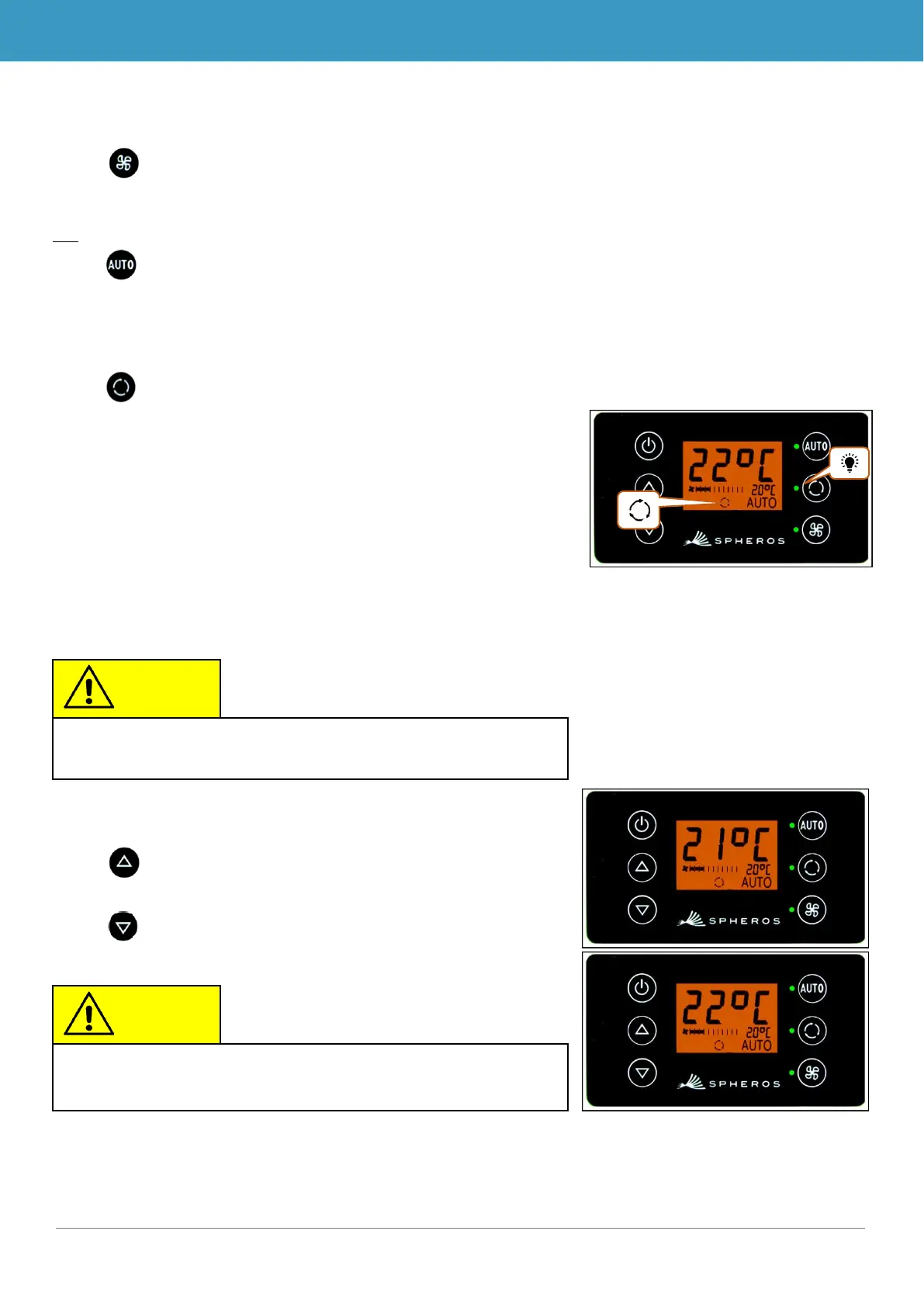
Press button when fresh air valves are open
➔ System activates recirculating air function for 10
minutes (corresponding function status light and dis-
play symbol light up).
➔ After running for 10 minutes, the system turns off the
recirculating air function.
➔ Pressing the button again within 10 minutes will de-
activate the recirculating air function and open the
fresh air valves (corresponding status light and dis-
play symbol are off).
2.5 Setting the temperature
Press button
➔ Desired temperature +1 °C.
Press button
➔ Desired temperature -1 °C.
If the fresh are vales are closed, the corresponding status
light and the display symbol will light up (Figure 11).



 To Next Page