27
© Vallox Oy - All rights reserved
USING THE UNIT
Filter maintenance reminder
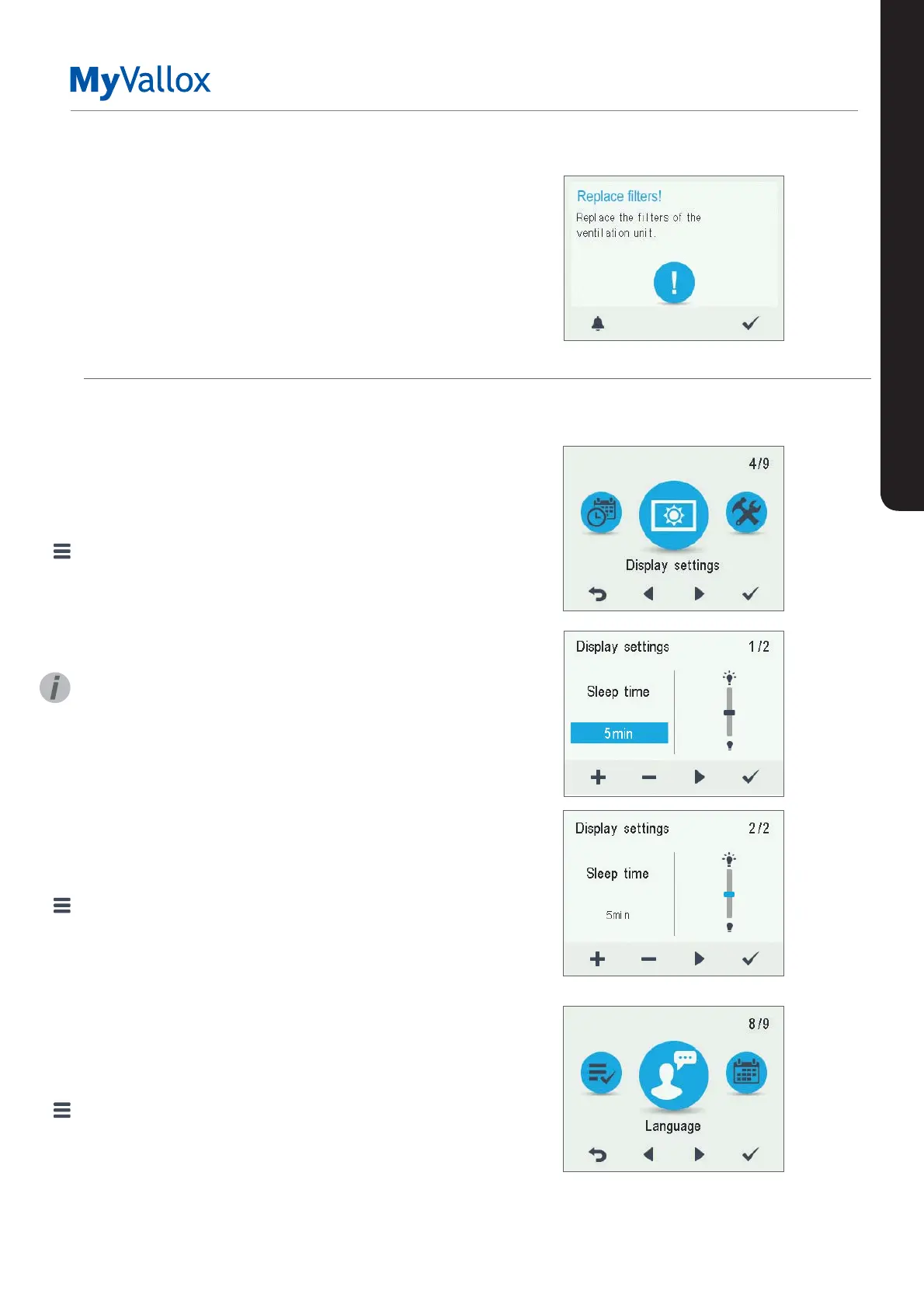
The maintenance reminder reminds you of the filter
replacement with a pop-up window.
The message can be acknowledged by selecting OK.
Press the clock button to postpone the reminder for one
week.
DISPLAY SETTINGS
Setting the sleep time
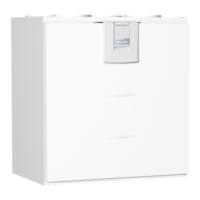
1. Select Settings > Display settings.
2. Select OK.
3. Use the Plus and Minus buttons to set the Sleep time.
4. Select OK.
TIP
The MyVallox Control control panel automatically switches
to the sleep mode when the pre-set Sleep time has elapsed.
To reactivate the MyVallox Control control panel, press any
button.
Adjusting the display brightness
1. Select Settings > Display settings.
2. Select OK.
3. Select Right arrow.
4. Use the Plus and Minus buttons to set the display
brightness.
5. Select OK.
Selecting the user interface language
1. Select Settings > Language.
2. Select OK.
3. Select your language.
4. Select OK.
SETTINGS


 To Next Page