30
USING THE UNIT
SETTINGS
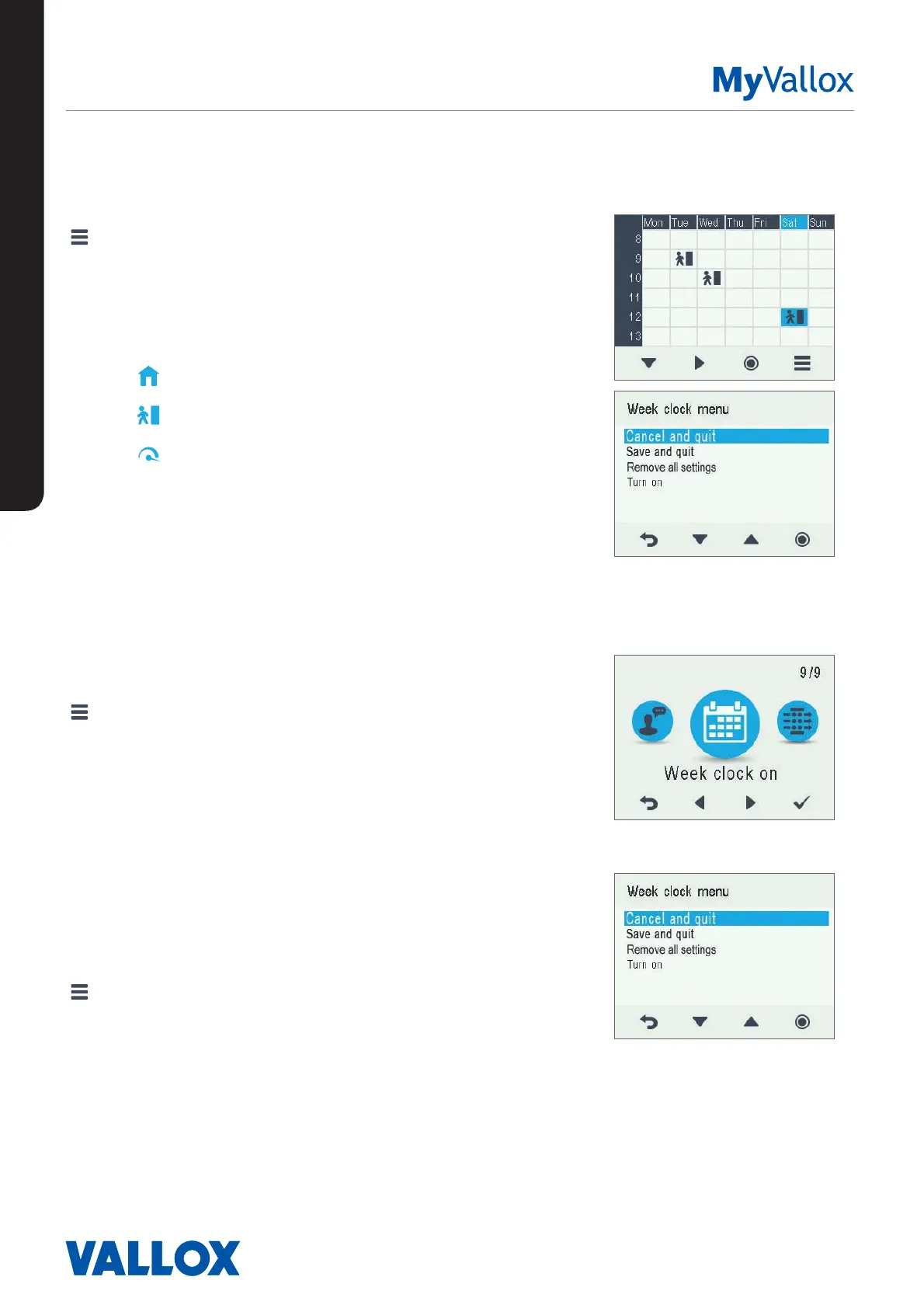
Setting and editing the weekly program
1. Select Settings > Week clock on.
2. Select OK.
3. Use the Right arrow button to select the desired day.
4. Use the Down arrow button to select the desired time.
5. Use the Select button to browse and select the
ventilation profile that will be turned on at the chosen
time. The icons are:
At home profile
Away profile
Boost profile
6. Once you have selected the profiles for the week clock,
select Settings.
7. Select Save and quit, or select Cancel and quit to leave
without saving the week program or the changes made
to it.
8. Once you have saved the week clock program, select
OK on the confirmation display.
Turning the Week clock o
1. Select Settings > Week clock on.
2. Select OK.
3. Select Settings.
4. Select Turn o.
5. Select Select.
6. The control panel will confirm that the week clock is
turned off.
7. The week clock is now turned off. If you have set a
weekly program, it will be saved in the unit.
Removing the week clock settings
To delete the weekly program settings:
1. Select Settings > Week clock on or Week clock o.
2. Select OK.
3. Select Settings.
4. Select Remove all settings.
5. Select OK to accept deletion of the weekly program. The
weekly program has now been deleted.


 To Next Page