Operation VALMAR
Page
14
Closed Center Hydraulic System with
Adjustable Value
1. Set the Valmar flow control valve to
maximum setting or “10”
2. Engage the tractor hydraulic system.
3. Adjust fan speed using the tractor’s
adjustable flow valve. If oil surges
through the system, close off the Valmar
flow control value slowly until the surging
stops. Readjust the fan speed from the
tractor valve.
4. If a problem occurs refer to the
Troubleshooting section of manual.
Open Center Hydraulic System Without An
Adjustable Valve
1. Set the Valmar flow control valve in the
closed position; setting of “0.”
2. Engage your tractor hydraulic system.
3. Adjust the fan speed from the Valmar
flow control valve by slowly turning the
lever to a higher number.
4. If a problem occurs, refer to the
Troubleshooting Section of manual.
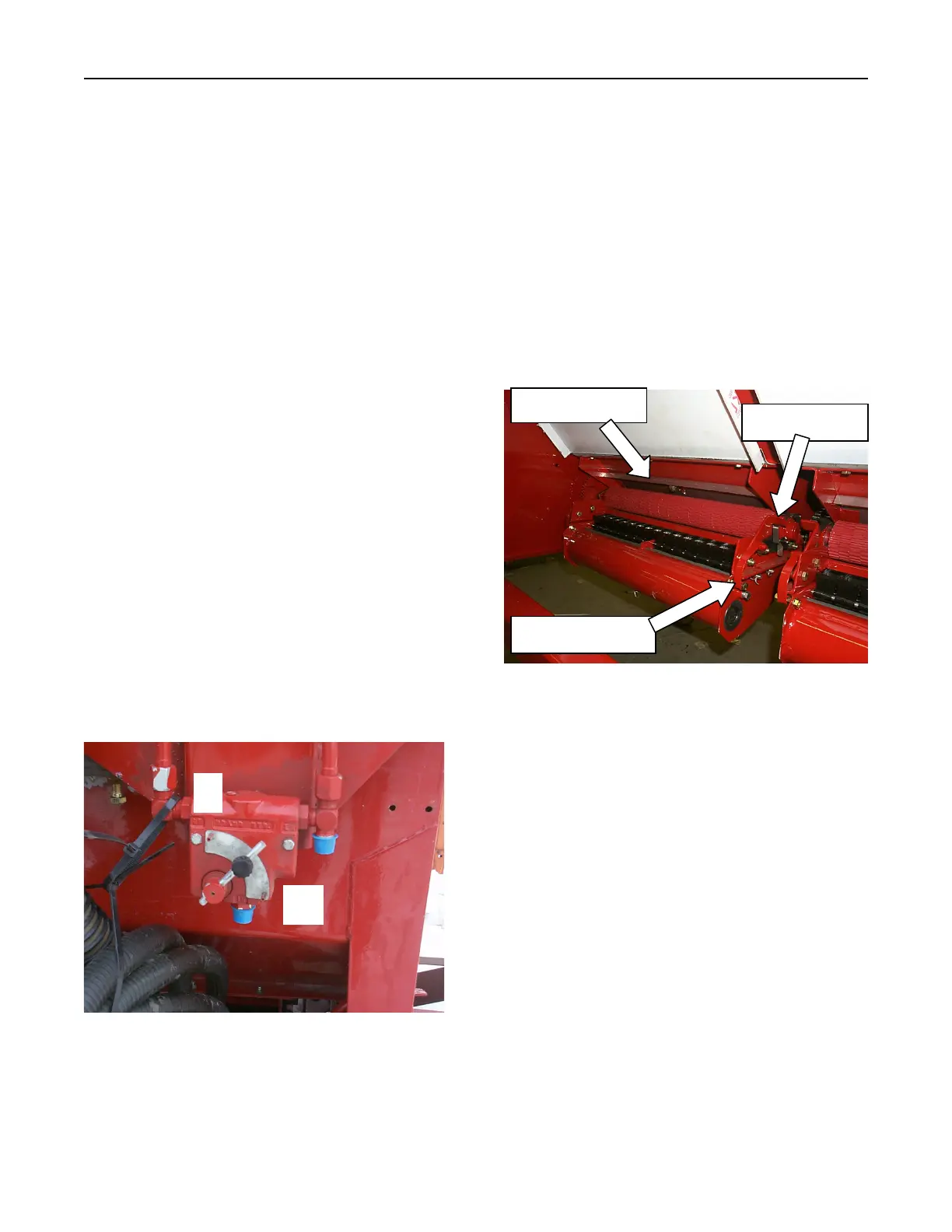
Figure 4 - 4: Hydraulic Fan Drive
Shut-Off Gate & Metering Rollers (Figure 4-5)
The shut-off gates are located above each
metering roller. They must be fully open when
metering product. Do not use the shut-off gates
to regulate product flow. The shut-off gates can
be pushed down when removing the metering
rollers if product is still in the hopper.
The metering rollers are held in place by a
bearing clip on either end of the roller. Pull
down on the manifold latches to lower the
manifold. Pull up on the bearing clips to release
the metering roller.
Figure 4-5: Metering Roller
Metering Roller Gap
Product application rate can be affected by the
gap between the metering lip. Maintain a gap of
¼ inch for the RED roller as well as the GREY
roller. See the Adjustments and Service Section
of this manual for instructions on setting the
roller gap.
Setting the Application Rate
Up to sixty (60) product application rates are
available with the mechanical metering gearbox.
Three mechanisms need to be set to select the
desired application rate: input ratio, range and
speed.
Input Ratio
Four gearbox input ratios can be selected by
pairing the 12 and 34-tooth gears or the 19 and
Bearing Clip
Manifold Latch
Shut-off Gate


 To Next Page
 Loading...