21
DESCRIPTION:
1
TUTOR MESSAGES help users giving them instructions
and information about the processing. They also provide
information on any errors and give warnings on
operations.
2
POSITION OF THE MACHINE (standby).
3
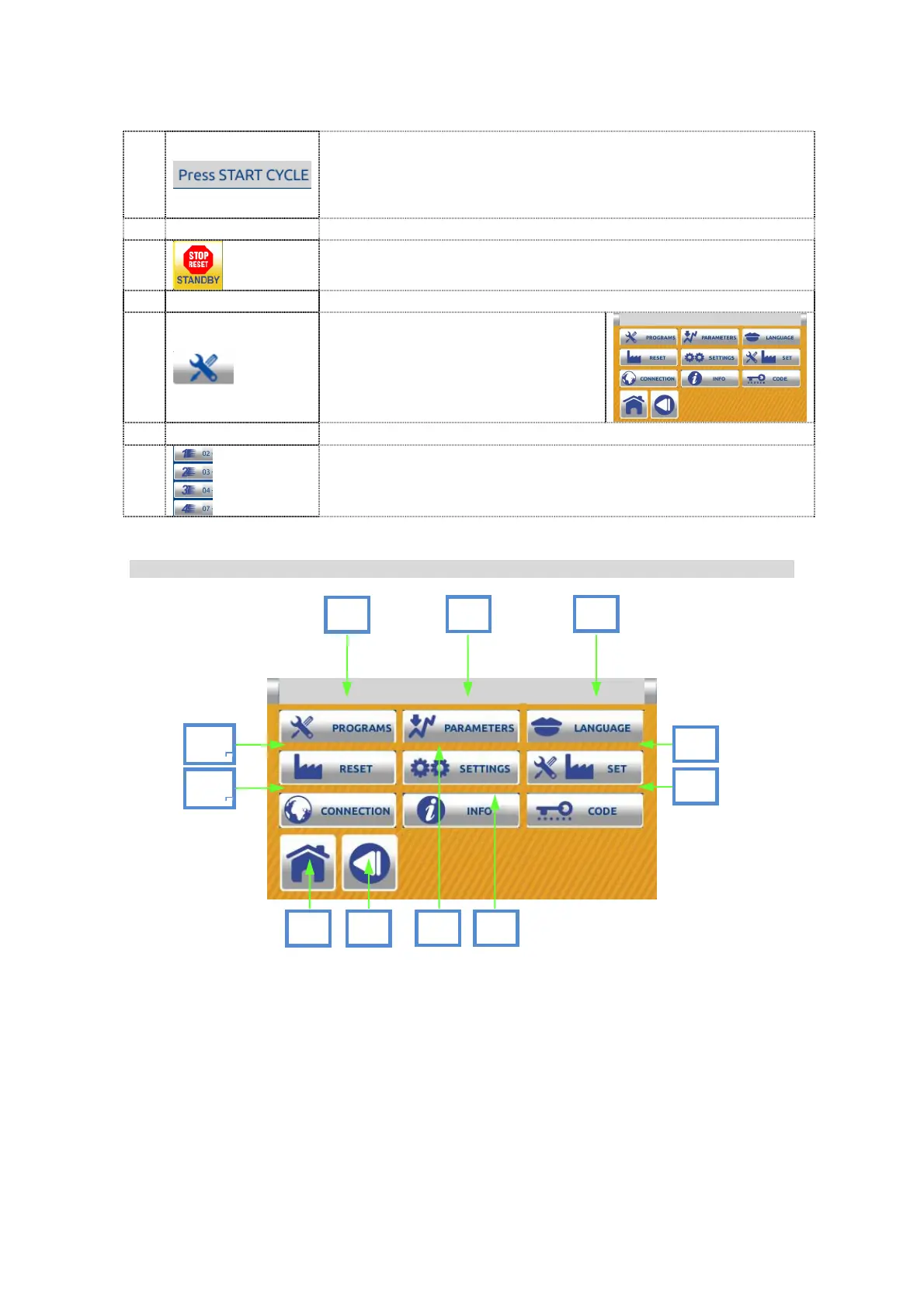
Use this button to enter in the
SETTING MENU
4
QUICK PROGRMS KEYS.
7.1.1.3 Setting menu screen:
8
6
9
1
7
3
4
5
2


 To Next Page
 Loading...