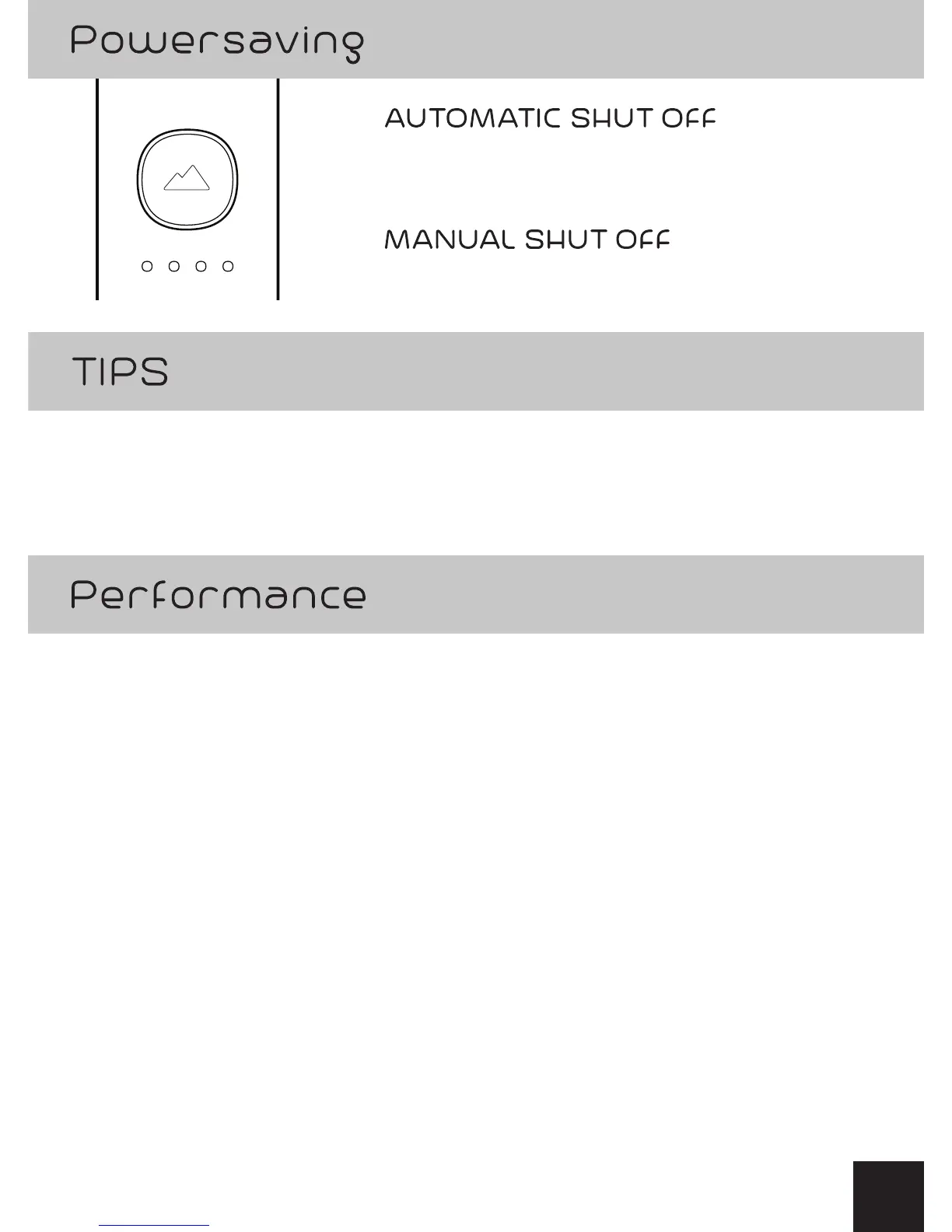
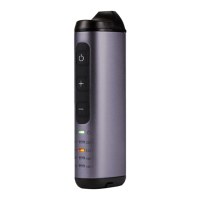
Automatic shut o timer will turn OFF
after 30 minutes of non-use.
Press and hold the GO Button for 3 seconds.
• Press GO Button / adjust temperature anytime!
• GO Button stays green for 90 seconds,
then returns to Standby Mode.
• Open up the heating chamber lid and stir the aromatic blends
anytime within 15 seconds and the heating cycle will resume.
• GO Button will turn Blue when lid removed.
• Temperature LED turns solid when lid removed during warming.
• When adjusting to a new temperature and GO Button is Green,
it will take about 10 seconds to stabilize at the new temperature.
• During Recharging pressing the GO Button for 3 seconds will
stop the heating process and return into Recharging mode.
6


 To Next Page