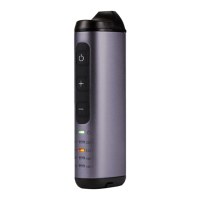
• 4 White LEDs… 75%+ Battery
• 3 White LEDs… 50% Battery
• 2 White LEDs… 15% Battery (recharge)
• 1 White LED… 5% Battery (recharge)
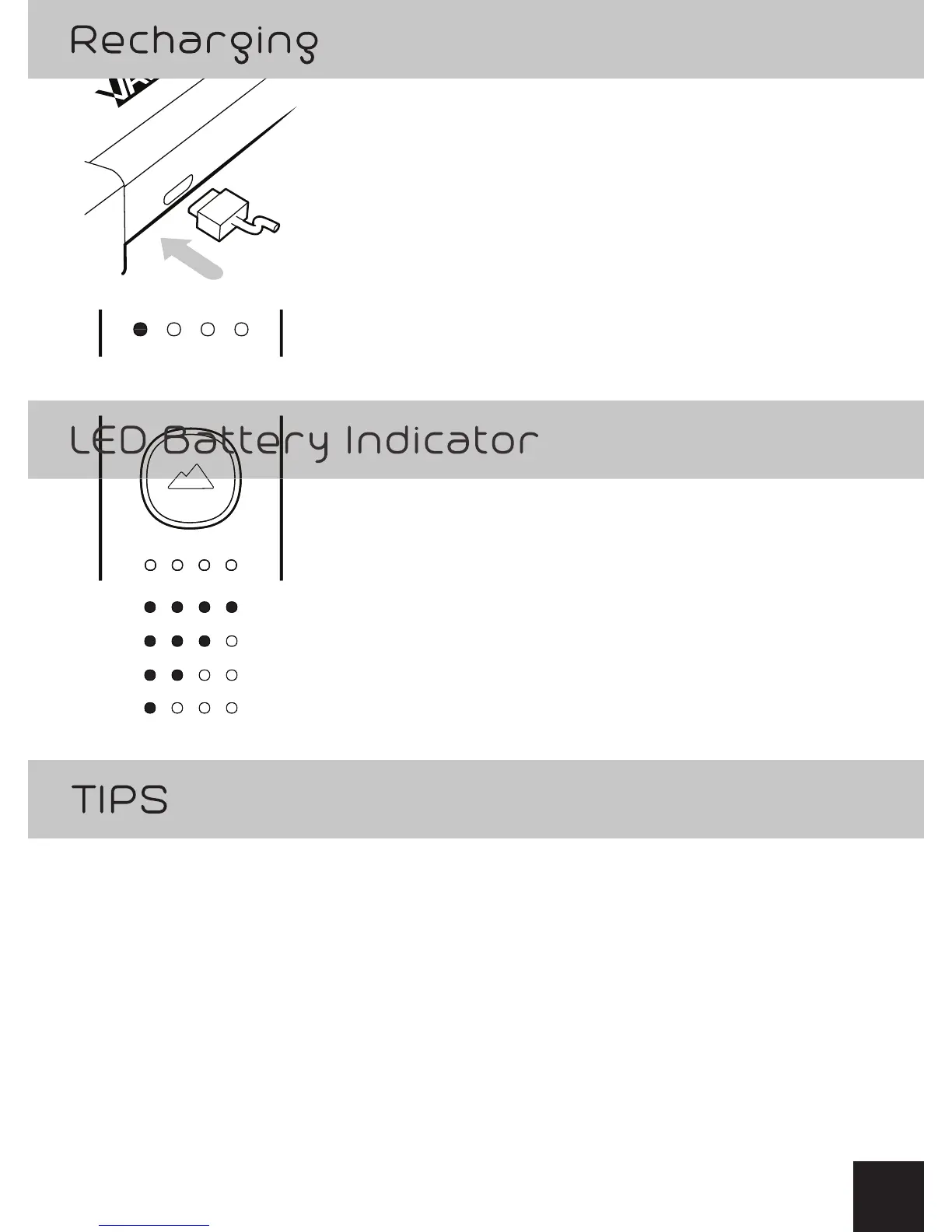
Plug the micro USB connector into the
base and the other end into a USB port.
Approximately 3h to full recharge.
While recharging the battery level, White LEDs
will blink.
A solid White LED indicates current charge level.
• 4 White LEDs… 75%+ Battery
• 3 White LEDs… 50% Battery
• 2 White LEDs… 15% Battery (recharge)
• 1 White LED… 5% Battery (recharge)
• With at least one solid battery LED lit, SUMMIT
can be used while recharging.
• Charging continues during use while plugged into USB.
• Press GO Button / adjust temperature anytime
during recharging.
7
+®


 To Next Page