16
AFTER INSTALLATION IS COMPLETE, HAVE
THE INSTALLER TEST THE SCOREBOARD BY
FOLLOWING THE STEPS BELOW:
TESTING THE INSTALLED SYSTEM
Please refer to the OPERATORS MANUAL for startup instructions.
1 /
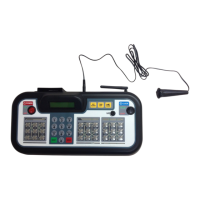
While holding down the
OPTIONS button, turn the
wireless controller on
2 /
The screen will display
“Select Diag Mode.” Press
the down arrow once to
scroll to “Digit Test.” Press
ENTER.
3 /
The screen will display
“Segment Test” and
“Segments O”. Press
the down arrow once to
display “Segments On”.
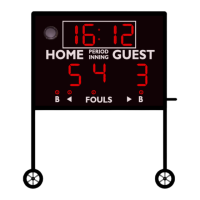
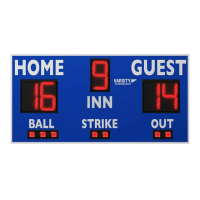
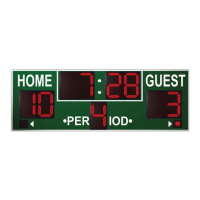
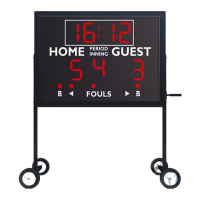
When all segments are on,
all digits should display
“8”
4 /
Press the down arrow
again to display “Digits
Count”. All digits should
continuously count from
0-9
5 /
If all digits turn on and
count, the installer can
then turn o the wireless
controller.
Congratulations!
You’ve successfully installed your
Varsity Scoreboard!
If any problems arise, please have the installer call Varsity Scoreboards Customer Service at 800-411-3136 while the installer is still
present at the scoreboard.



 To Next Page