4. Operation
EzRay Air W (Model: VEX-S300W) User Manual 37
ENGLISH
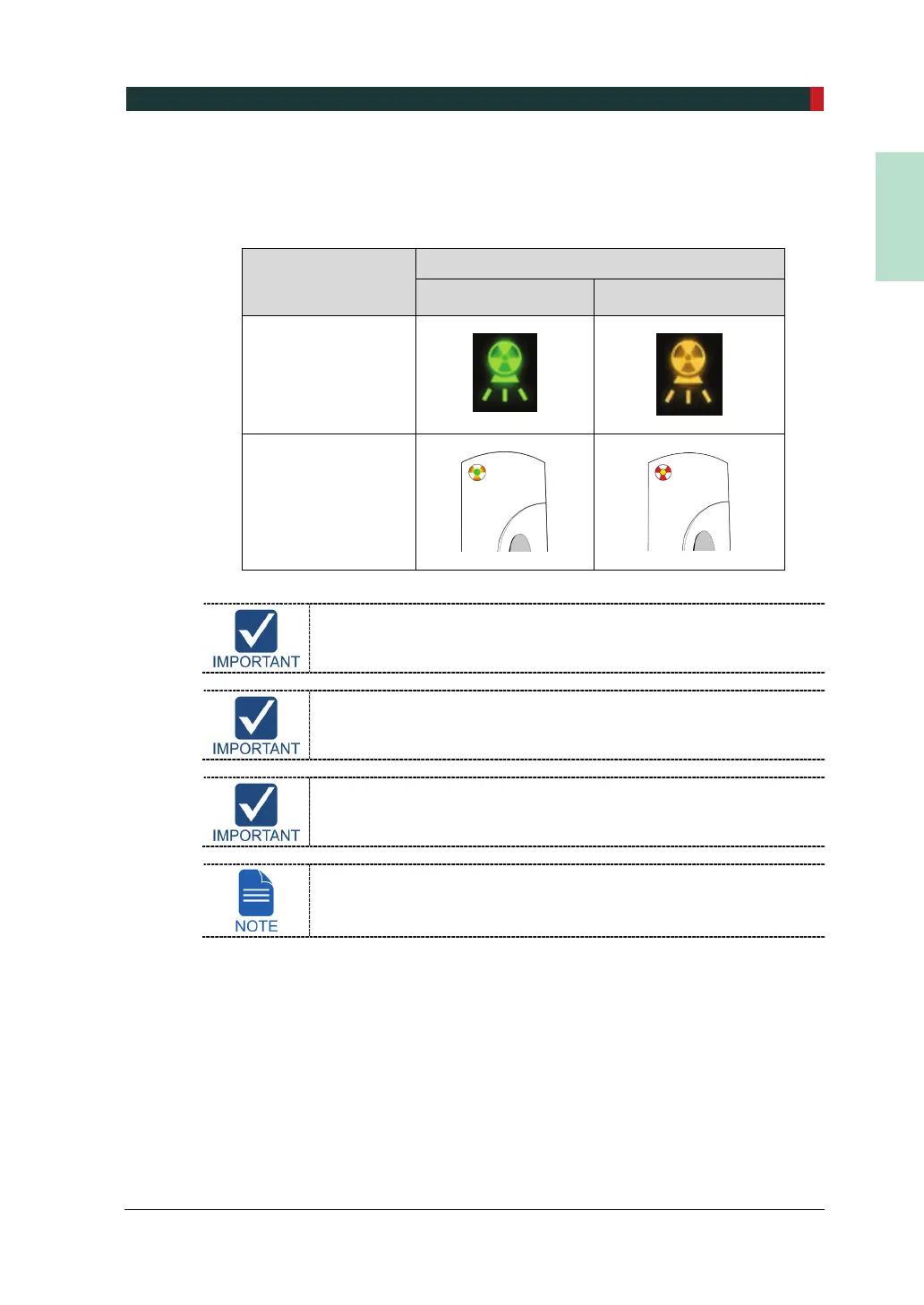
3. While X-ray is being exposed, the X-ray Exposure Indicators on the Control Panel
and the Remote Exposure Switch are turned on and an audible sound is produced.
Keep pressing until the X-ray Exposure Indicator lights are turned off and the audible
sound stops.
the X-ray Exposure
Indicator
X-ray Exposure Indicator’s Status
Green: Ready Yellow: X-ray ON
Control Panel
Remote Exposure
Switch
The Remote Exposure Switch is detachable. Ensure that the
Remote Exposure Switch cable is not detached out from the unit
accidentally during the operation.
Keep vocal/visual contact with the patient during exposure. If any
problem occurs during exposure, release the Remote Exposure
Switch immediately.
If the Door Interlock Switch (option) has been installed, X-ray
exposure will be stopped once the door of the X-ray room is opened.
As described in step 2 and 3 above, the X-ray Exposure Indicator is
included both on the Control Panel and the Remote Exposure
Switch.



 To Next Page