3. Acquiring PANO Images
Green X (PHT-75CHS) User Manual 29
English
3.2.2 SPECIAL Examination Mode (TMJ/Sinus)
<TMJ Open Mode (LAT/PA)>
The TMJ Close image can be acquired after the TMJ Open image is acquired.
Steps for TMJ Mode
Patient positioning for TMJ Open > Laser Beam Aligning > X-
ray Exposure > Patient positioning for TMJ Close > Laser
Beam Aligning > X-ray Exposure
Patient Positioning
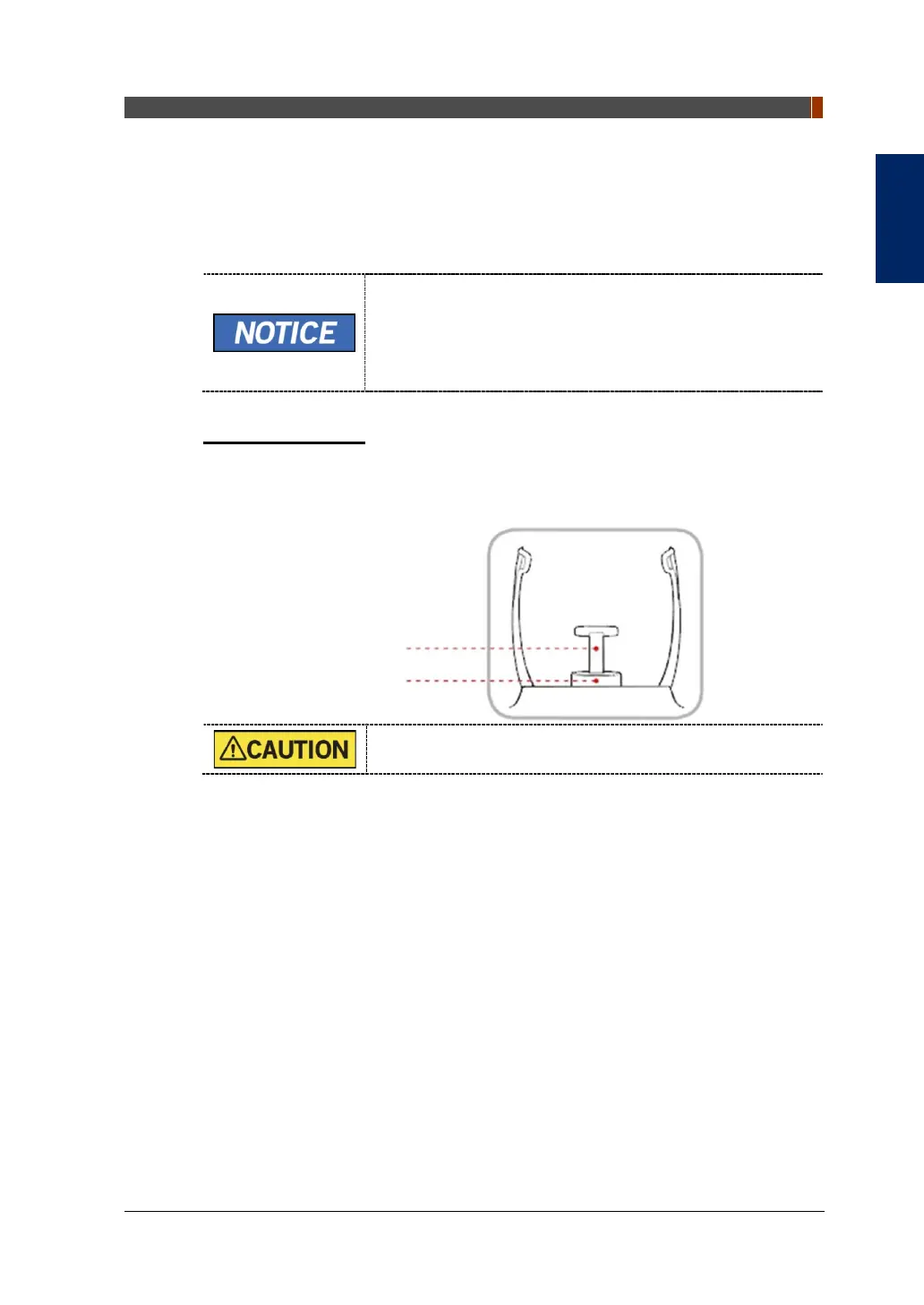
1. Remove the Normal Chinrest and insert the Special Chinrest into the
equipment.
2. Insert the Special Bite A into the Special Chinrest
Clean the Chinrest and the Bite with ethanol and wipe with a
dry towel before the next patient.
3. Guide the patient to the equipment.
Special Bite A
Special Chinrest



 To Next Page