3. Acquiring PANO Images
38 Green X (PHT-75CHS) User Manual
3.3 X-ray Exposure
If an emergency occurs during image acquisition, release
the Exposure Switch to cease X-ray emission.
The operator shall always observe the X-ray safety
regulations applicable to his/her area during the
operation of this equipment.
The operator must always keep vocal/visual contact with
the patient during the image acquisition process.
Do not operate the PC during exposure. Doing so may
cause the system to malfunction.
Let the patient close the eyes during the operation.
To acquire optimized images, instruct the patient to hold
his/her breath and not to swallow. Also, do not let the
patient move until the Temple Supports are open.
1. Get out of the X-ray room and close the door.
The operator must always keep vocal/visual contact with the
patient during image acquisition.
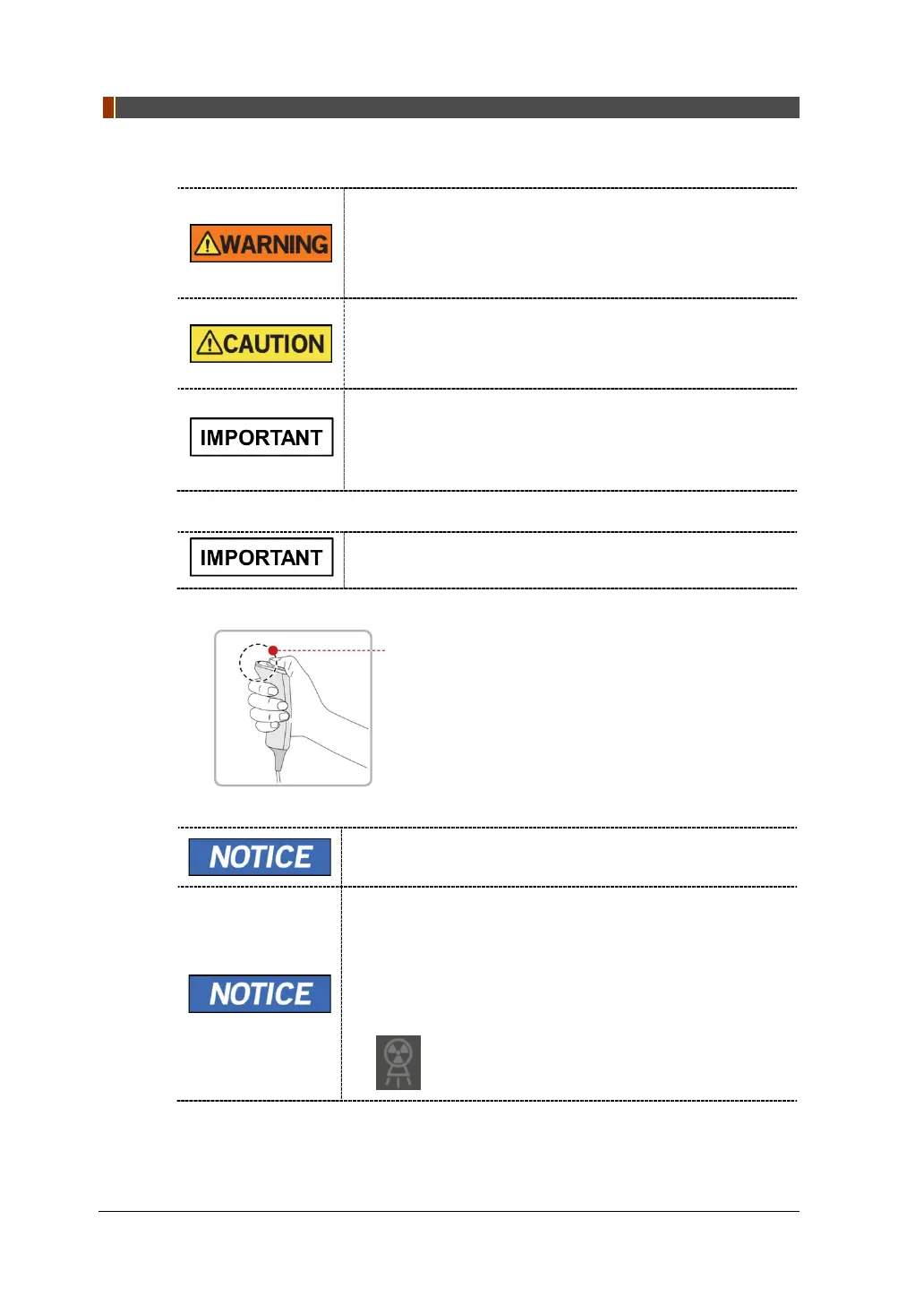
2. Press and hold down the Exposure Switch until image acquisition is completed.
The image appears on the screen.
During X-ray exposure, the status appears as follows.
The LED light of the Exposure Switch turns yellow.
The LED light on the top of the equipment turns yellow.
An alert sound comes out to indicate that X-ray emission
is currently underway.
On Console Software, the radiation mark turns Green.
3. Release the Exposure Switch when “Image capturing is completed” message
appears on the screen.
Yellow: X-ray On


 To Next Page
 Loading...


