2. Getting Started
Green X (PHT-75CHS) User Manual 11
English
2. Getting Started
2.1 Turning on the Equipment
Do not place the patient close to the equipment when it is
being turned on. Doing so may cause physical injury to
the patient and damage to the equipment.
Do not operate the PC while the equipment is in
operation. Doing so may cause an error in the
equipment.
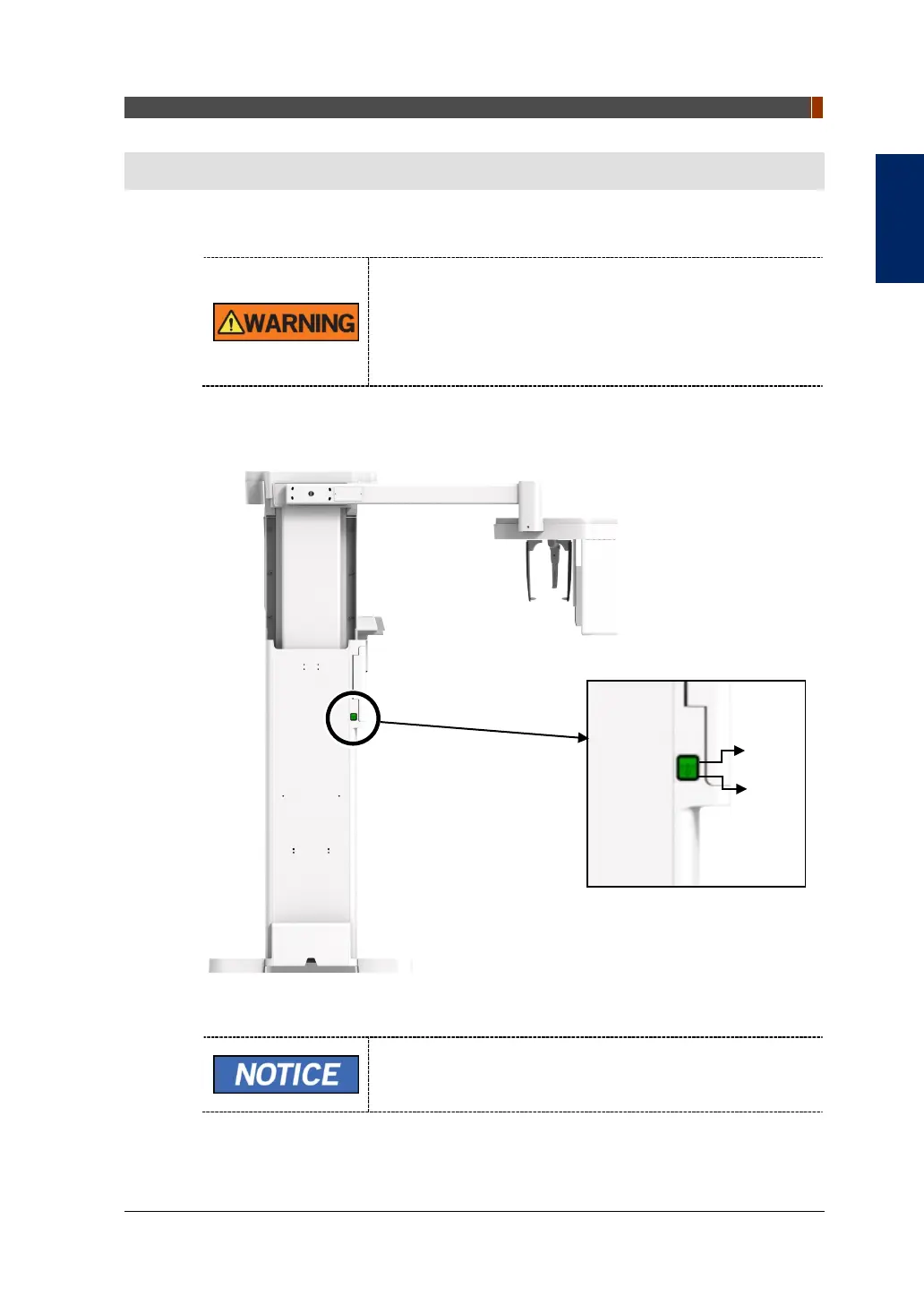
1. Press the Main Power Switch that is located under the middle of the Column to
turn on the equipment.
Main Power Switch isolates its circuits electrically from the
supply mains on all poles simultaneously.
2. Make sure that the green LED light at the top of the equipment is on.
ON
OFF



 To Next Page