6. Acquiring 3D MODEL Scan Images
86 Green X (PHT-75CHS) User Manual
6.2 MODEL Positioning
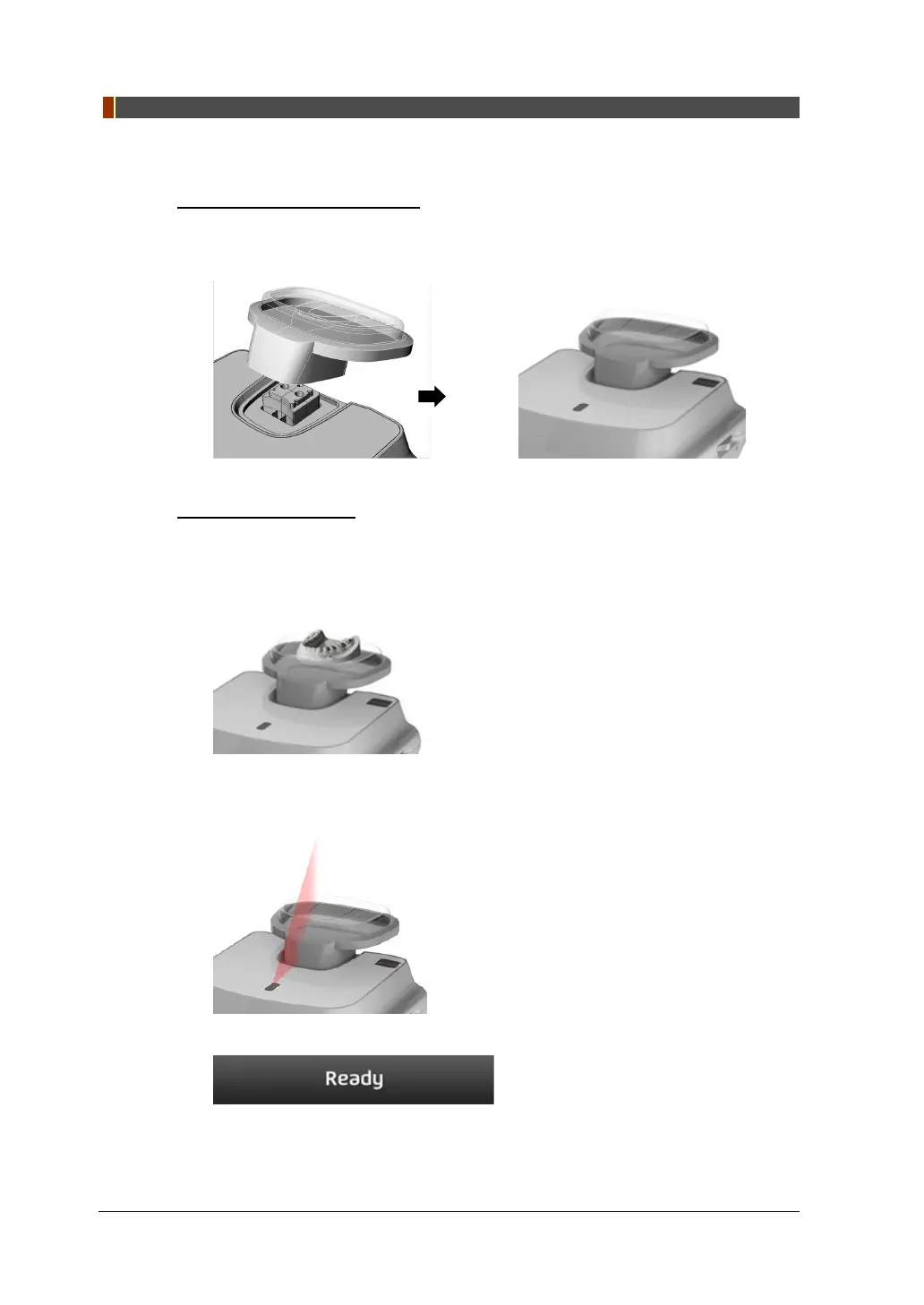
MODEL Scan Jig Installation
1. Remove the Temple Supports and the Chinrest
2.
Insert the MODEL Scan Jig.
Laser Beam Aligning
1. Put the Plaster Cast on the MODEL Scan Jig. (Whether the Plaster Cast is for
Maxilla or Mandibular, place it flat side down.)
2. Align the Mid-sagittal plane Laser Beam to the center of the Plaster Cast. (To
prevent the horizontal expansion of the image)
3. Click the READY button. X-ray exposure has not started yet.
4. Now go to 6.3 X-ray Exposure to start the exposure.



 To Next Page