5. Acquiring CBCT Images
82 Green X (PHT-75CHS) User Manual
5.5 Finishing the Scan
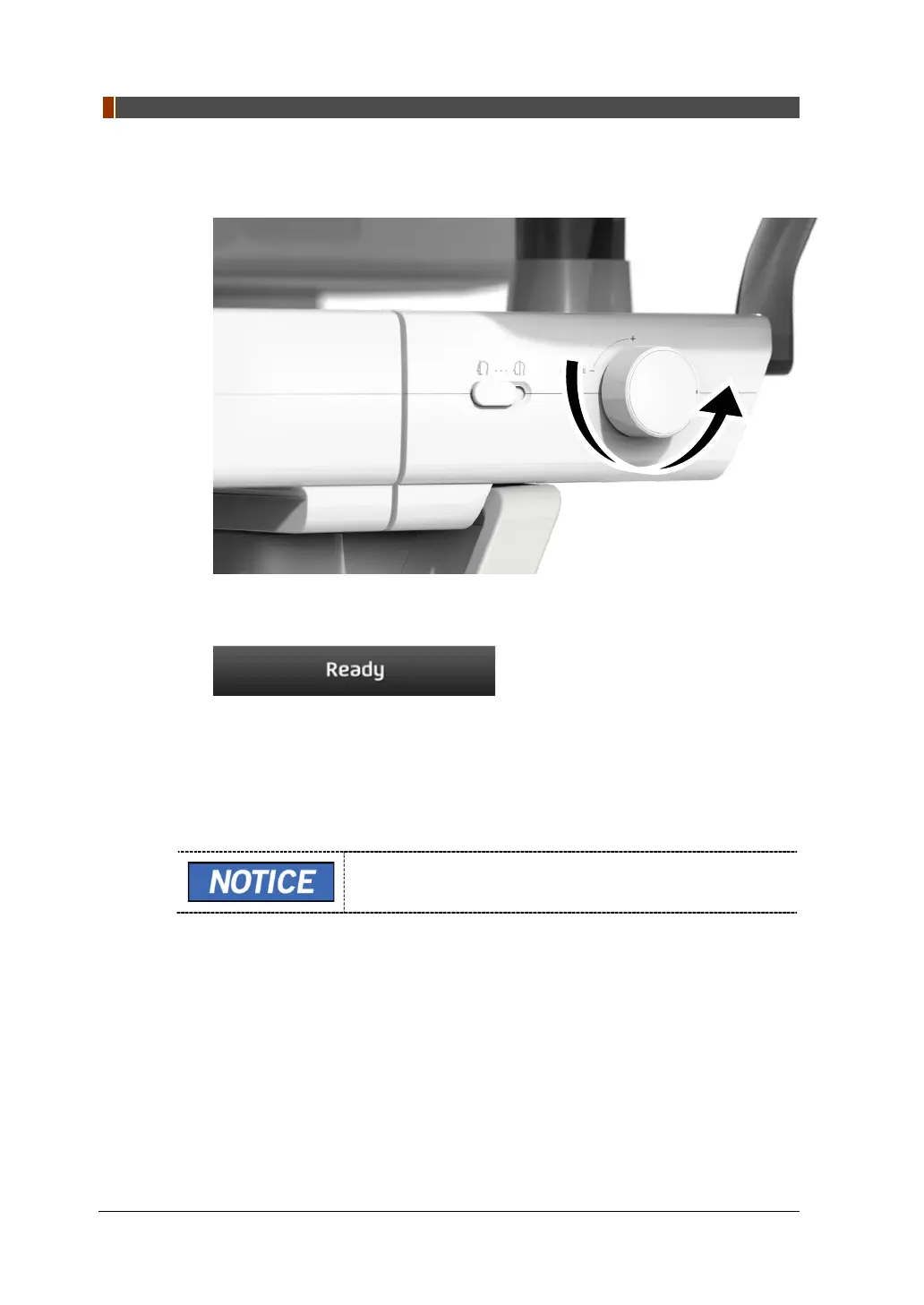
1. Open the Temple Supports and guide the patient out of the equipment.
2. For Normal Bite, remove the Sanitary Vinyl Cover from the Bite.
3. Press the READY button to bring the Rotating Unit back to its initial position.
5.6 Checking the Captured Images
Acquired images can be reconstructed and converted to DICOM format.
The exported images can be confirmed in EzDent-i.
Refer to the EzDent-i User Manual for more information.
1. The images are transferred to EzDent-i automatically.
2. The images are automatically saved if the automatic save option is configured as
default. If it is not configured as default, click the Save button to save the images.
3. To check the image, double-click the one on the Patient List.
4. Then, Ez3D-i will run automatically for 3D viewing.


 To Next Page