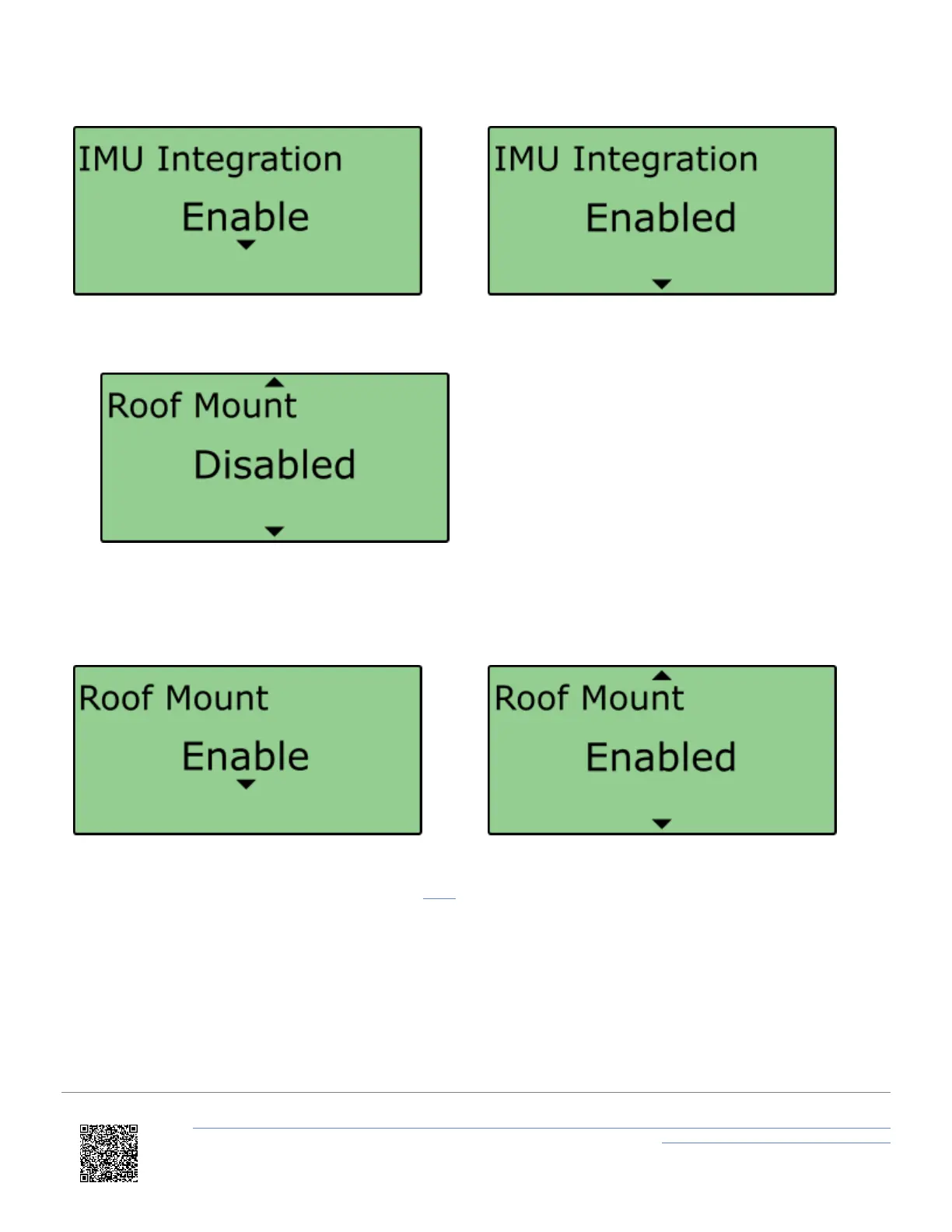
6. Scroll to the 'Roof Mount' menu and select.
7. Choose 'Enable' and select. Once the 'OK' confirmation screen has cleared, 'Enabled' will be displayed.
8. If required, select 'IMU to Ref. Offset' and enter distances to translate the IMU location to another point within the
vehicle, more information on this can be found here. An automatic 1 m z offset is added, translating the filtered
speed down in to the vehicle towards the centre of gravity.
https://en.racelogic.support//Product_Info/VBOX_Data_Loggers/VBOX_3i_Range/VBOX_3i_User_Guide_(All_Variants)/12-2_-
_VB3i_IMU_Integration_-_Roof_Mounted
83


 To Next Page