8 © 2015 VBrick Systems, Inc.
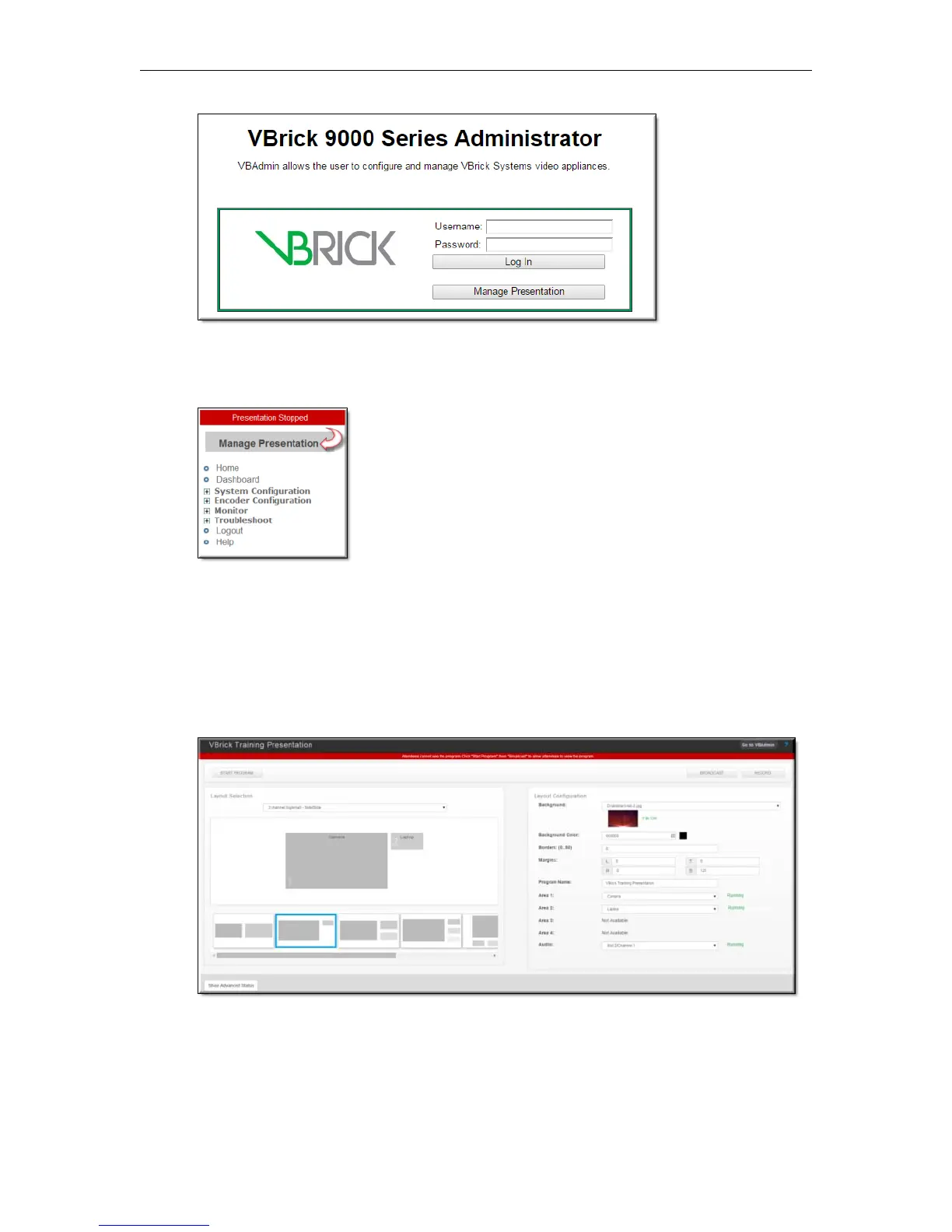
If this button has not been enabled, logging in to VBAdmin will be required first to enter
Presenter Mode. You may then click the
Manage Presentation button at the top of the left
navigation menu to access Presenter Mode.
Manage an Event
There are three steps to managing an event in Presenter Mode:
1. Select a layout(s)
2. Configure a layout(s)
3. Control your event/presentation
Select a Layout
Your admin has enabled and configured up to seven layouts with default video or network
sources and layout (color/border/margin/background image) configurations that you may
choose to use for your presentation.



 To Next Page