ENGLISH
42
BIKETPC
SET
ALTI
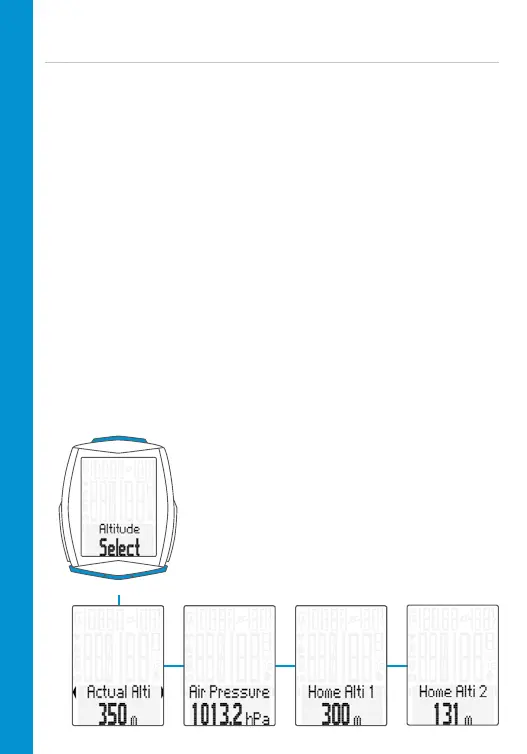
Select altitude/recalibrate
Two selectable start altitudes, current altitude can be set in metres/feet or
by means of the sea level pressure.
Recalibration:
Recalibration must occur before every trip.
The M6 measures the current air pressure and converts it into an altitude
measurement. However, the air pressure changes daily depending on the
weather. This leads to a constantly changing current altitude measurement
despite your start altitude not having changed.
During recalibration, the currently measured air pressure is calculated back
to the set start altitude. Following recalibration, the current altitude once
again matches the set start altitude.
If you are not setting off from start altitude 1 or 2, you can correct the
current altitude here. This can be done by entering either the altitude in
metres/feet or the sea level pressure.
Details of the sea level pressure can be found on weather websites.
– Press and hold the ALTI button
– Scroll by pressing the BIKE or TPC button
– Make a selection by pressing the SET
button



 To Next Page