ENGLISH
50
BIKE
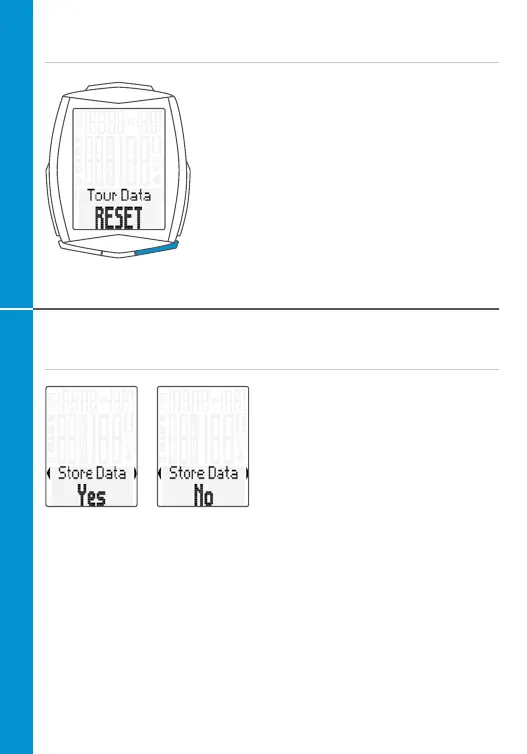
Resetting trip data to zero
– Press and hold the BIKE button
– The following message appears on
the display: Tour Data RESET
– Continue holding the BIKE button
Note: the distance, ride time, altitude data
and calories (if heart rate option is activated)
are all added to the total data.
Saving the trip data
After Trip data RESET an enquiry
appears asking whether you want
to save the trip data. The detailed
individual data for 10 trips can be
saved.
Once 10 trips have been saved, the
1st trip is deleted and overwritten if
further trips are saved.
– Select Yes/No:
Press the BIKE or TPC button
– Confirm your selection:
Press the SET button
ATTENTION: this does not affect the addition of trip data to the totals data.



 To Next Page