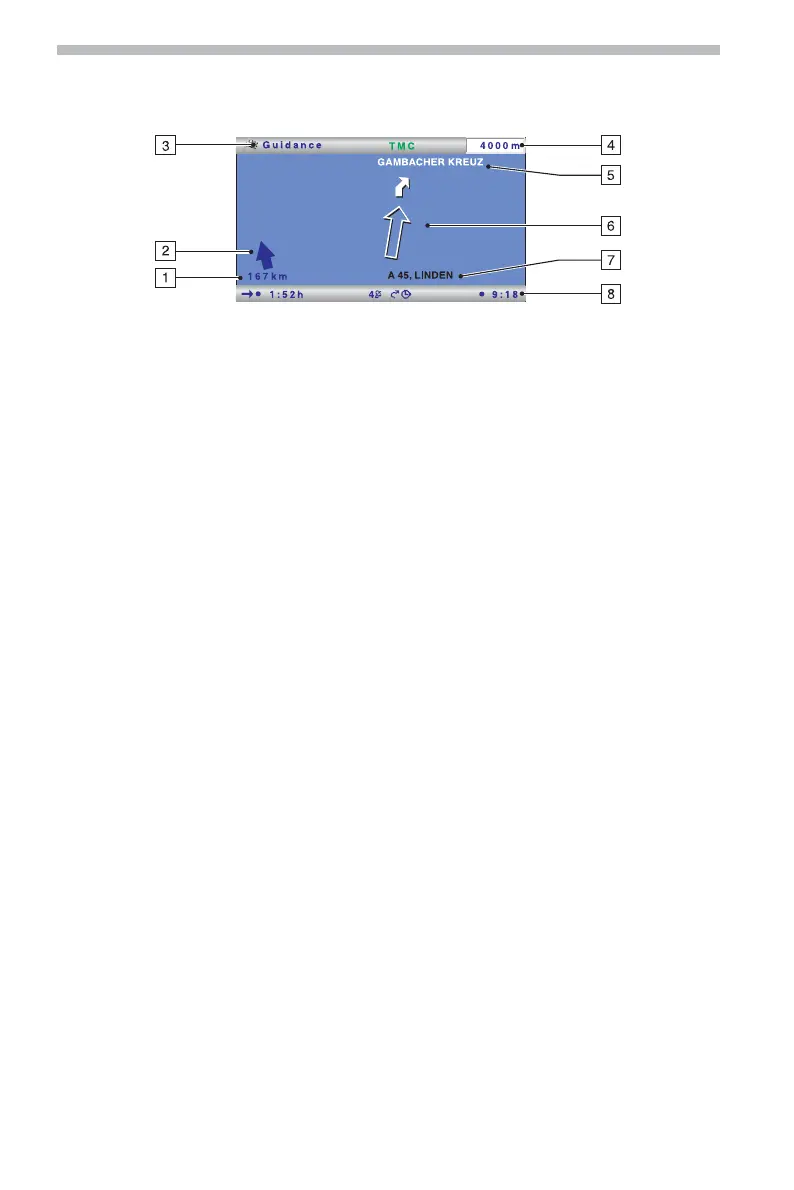
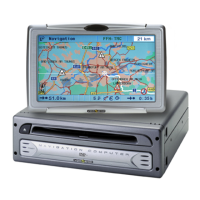
Symbol display
The symbol display provides the following information:
1 Distance to destination or to next via point.
2 Directional arrow (linear distance) to destination or to next via point.
3 Menu title*
4 Distance to the next change of direction.
5 Name of the street to turn into (next change of direction).
6 Directional arrow and, if necessary, early warning for next junction or crossing.
Detailed turn-now advice appears as soon as you approach a junction or crossing. In
addition, turn-offs are announced with audible messages.
7 Current location of the vehicle: road name, town name and area if available in the
selected navigation database.
8 Status line*
* Configurable, refer to the “Settings -> Screen configuration” section, page 32.
■ Menu options in the symbol display
☞
Press the OK button to display a menu with the following options:
❑
Return: Returns to the Navigation menu.
❑
Map: Switches to map display.
❑
Info: Opens the Info menu.
❑
Stop guidance: Stops guidance.
❑
Local detour: Upon request, plans a detour if there is a road obstruction in less than
50 km on the planned route.
This option is only displayed if dynamic route planning is deactivated and TMC
traffic information is activated. See “Dynamic route planning”, page 25 and
“Settings –> Message selection”, page 32.
❑
Plan new route: Upon request, plans a new route in light of the current traffic
situation.
This option is only displayed if dynamic route planning is activated. See “Dynamic
route planning”, page 25.
Navigation
22


 To Next Page