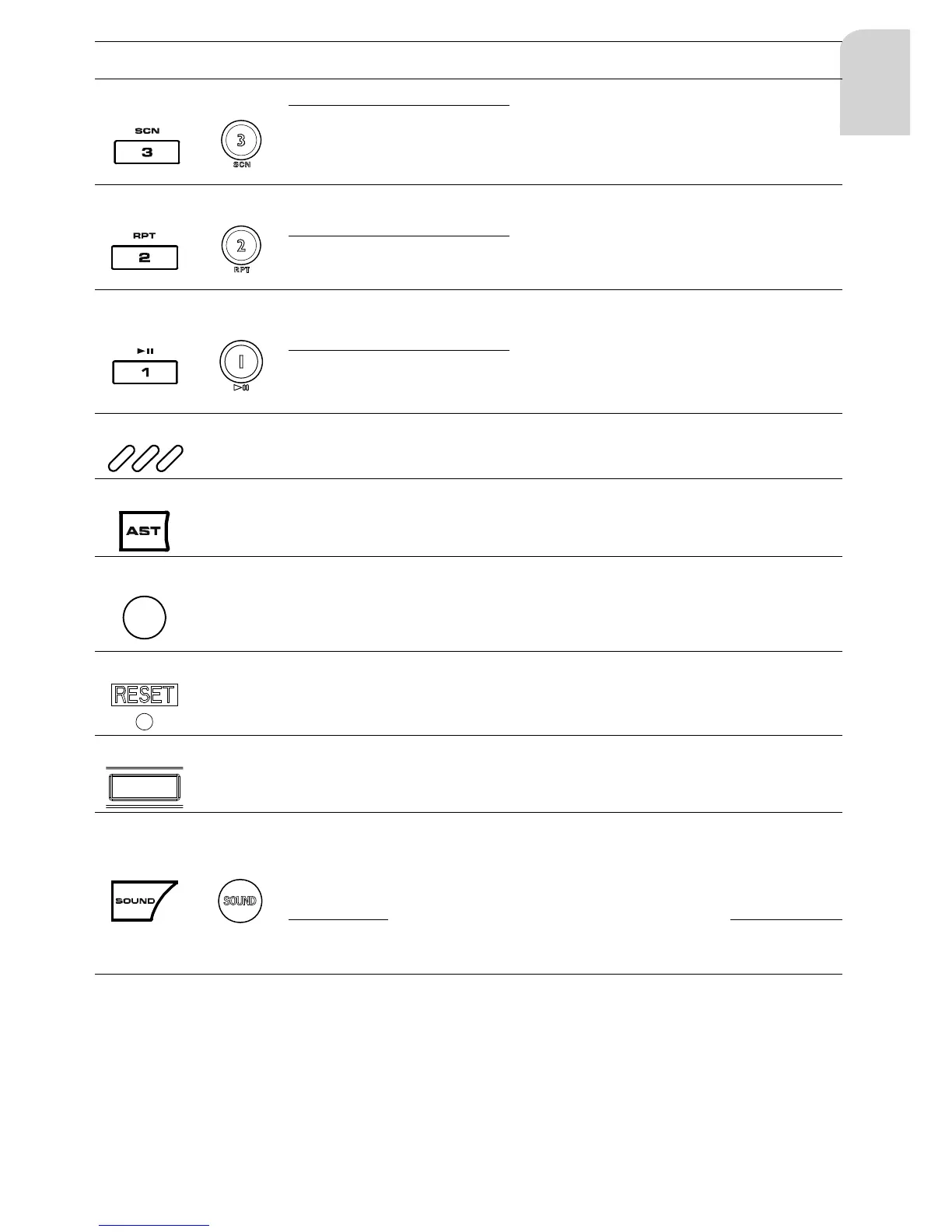
SP Select preset 2
Toggle REPEAT mode (n.a.)
RPT: depending
on the source
selected
LP
Store current sta-
tion into preset 2
(21)
(13)
SP Select preset 1
Toggle between play
and pause
(n.a.)
Exit SAM/
SOUND
PAUSE de-
pending on the
source selected
LP
Store current sta-
tion into preset 1
(22)
-
- Location of internal microphone for answering a phone call
(23)
-
- To activate Auto Store in FMT and MWT only n.a.
(24)
-
LED indicator fl ashes when the operating panel is removed
(25)
-
LP To reset the set (all stored data will be lost)
(26)
-
- Connector, to connect the operating panel to the base unit
(27)
(5)


 To Next Page