LVP615U
使用说明
71
。
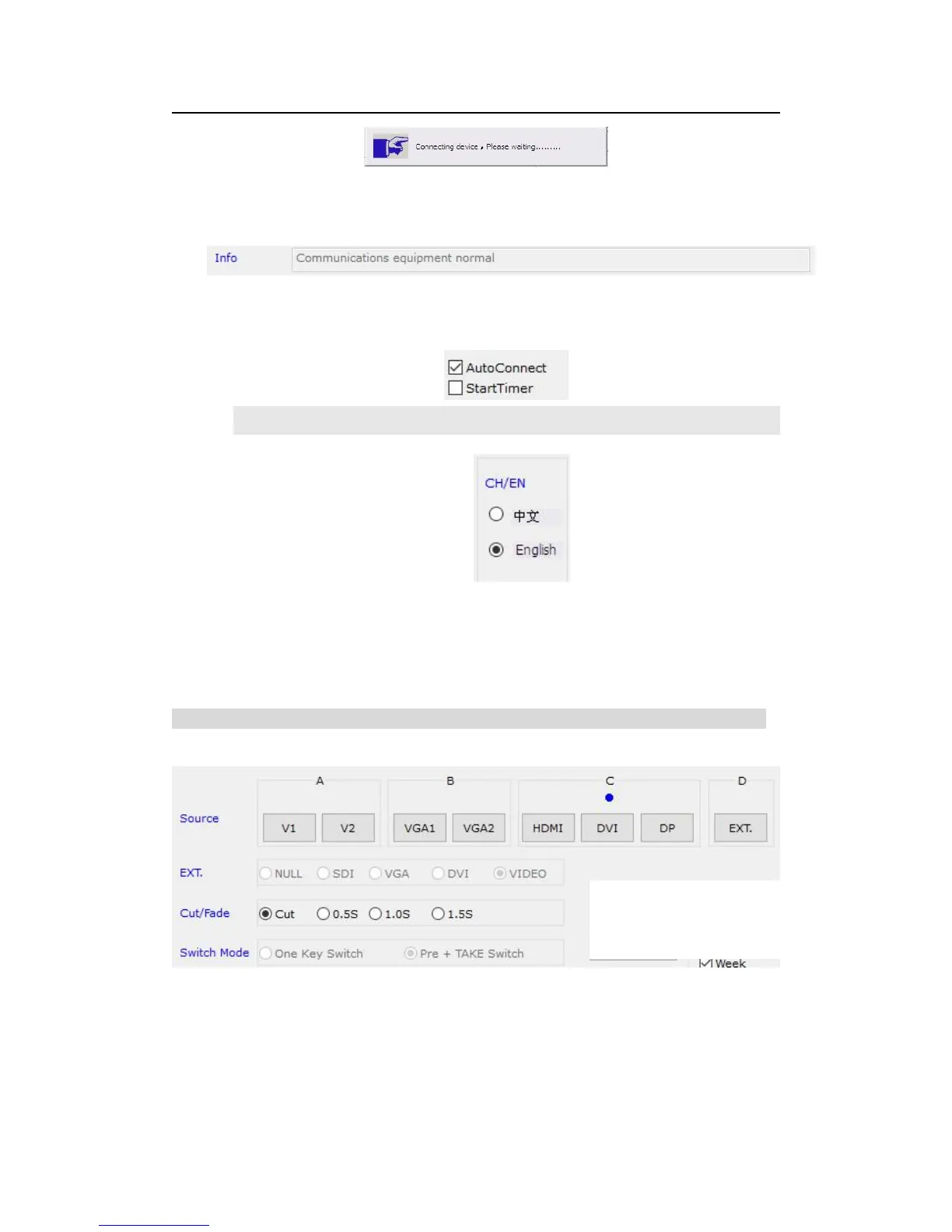
After the device connecting successfully, every function button in software inter face has
been activated. Information area on main interface displays reminder connecting
successfully.
Setting timer automatically start: to select whether the processor automatically
connect serial port and automatically open the timing control in next starting up.
Software interface displays language selection, and the software supports two languages
Chinese and English.
(3)Signal select
The buttons of the signal area respectively represent the corresponding keys and status
indicators in the panel of the processor.
After the device is successfully connected, the software will read the input signal source
you currently selected and the blue indicator above it will turn on. If the blue indicator
illuminates normally, it means the input signal source you currently selected is valid;



 To Next Page