LVP615U
使用说明
73
5) Information column
If operation is unsuccessfully, the information area will display the reason of failing.
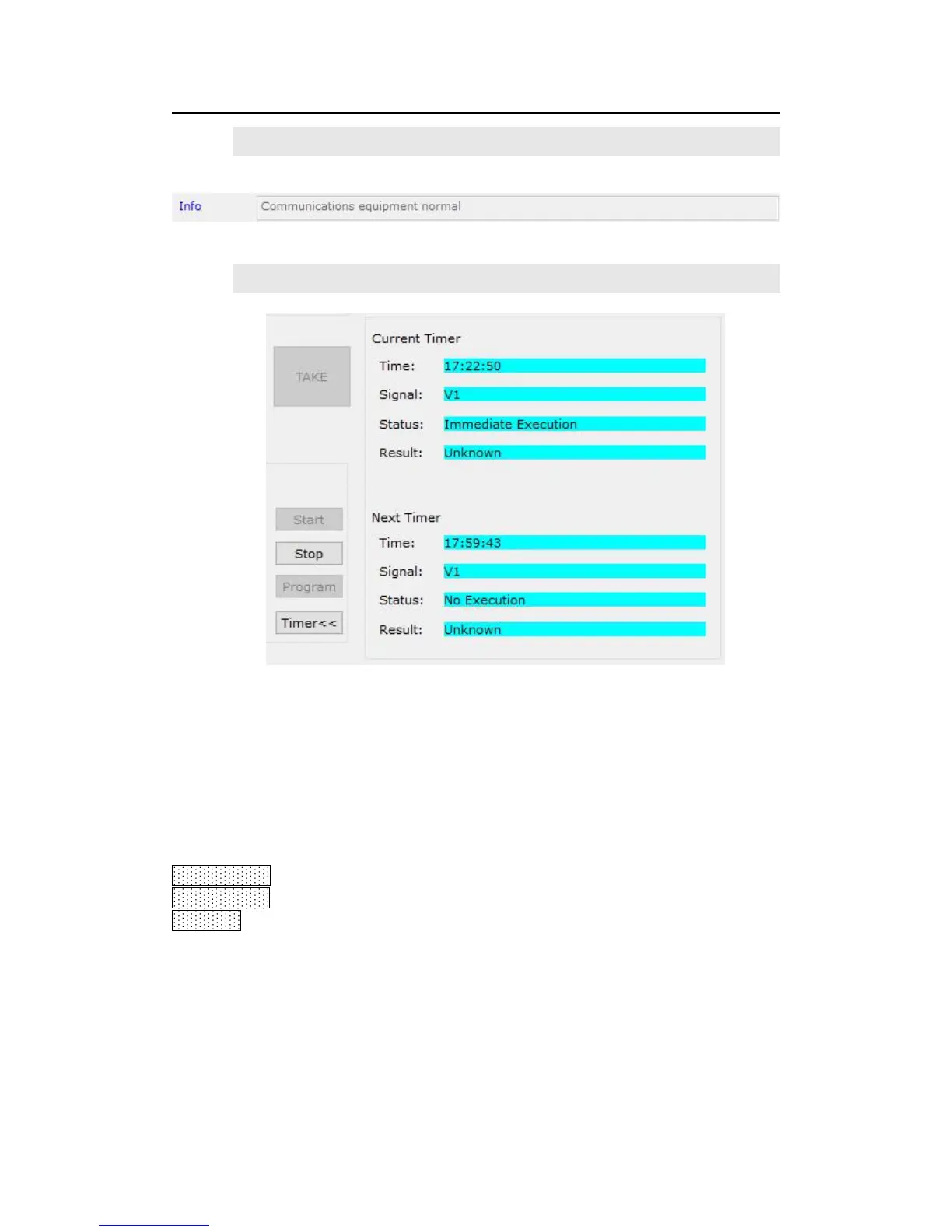
6) Timing control setup
The Timer of the Control Software can switch the input signal source of LVP615U as per
the preset timer plan. The system provides four cycle timer modes, i.e.: Day, Week, Month,
Once.
Start timing:Start: open timing control function
Stop timing:stop timing control function
Timer<<: spread or shrink timing execution list on right side.
Click “Program” to enter timer setup menu, where you can view the timer plan you
already set, or add, modify, delete timer plans.



 To Next Page