OTDR Series e-Manual, D07-00-076P-RevC00 Page 59 of 107
6.11 Optical Power Meter (OPM)
The unit can be equipped with an optionally built-in Optical Power Meter (OPM). It can also
access an external Optical Power Meter using the Micro-USB port. It works by testing average
output power from a light source and can be used to measure the span loss in dB of an optical
fiber systems. On the test set display, view measurement loss in real-time.
Note: Only optical power meters (e.g. Built-in, UPM-100 or FX40 series meters) approved by
VeEX are supported.
To see the most recent OPM specifications, go www.veexinc.com.
Use the Home icon (FX150/FX300) or App key (FX300) to toggle between active test
applications (OTDR, OPM, VFL).
6.11.1 Setting up the Optical Power Meter
To access and set up the external OPM:
1. Make sure the external Optical Power Meter is connected to the Micro-USB port via an
OTG cable.
2. Power on the unit. Test App 1 – Test Mode Selection is loaded by default. Select Fiber
testing, and then press OK.
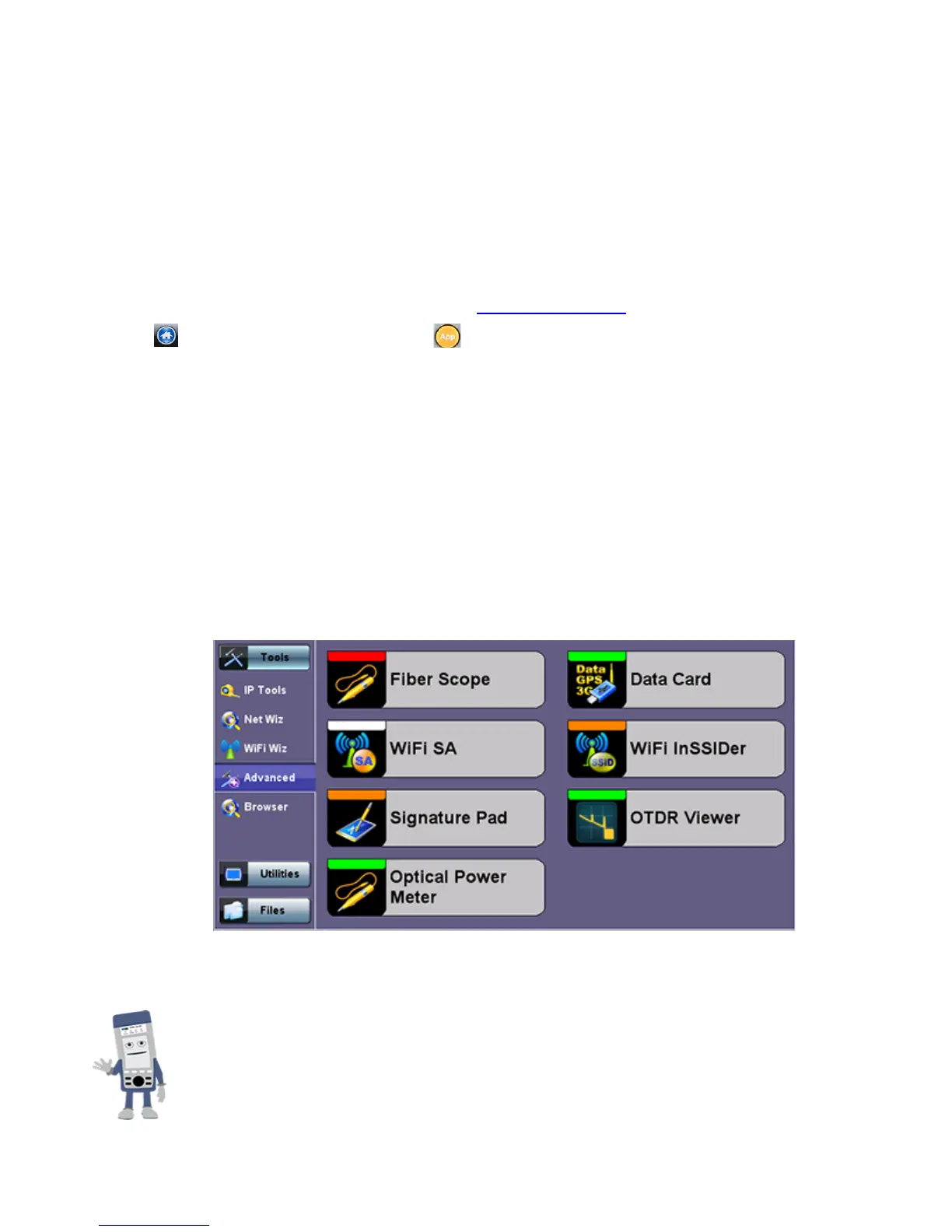
3. On the Home menu left panel, tap Tools>Advanced.
4. On the main menu, tap Optical Power Meter. The OPM setup screen appears.
Accessing the Optical Power Meter module shuts down GPS and the
atomic service.



 To Next Page