VELUX
®
27
Set-up of KLI 310/311/312 to operate products connected to
control unit KLC 500
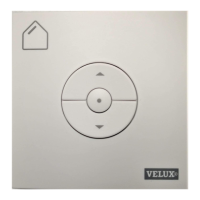
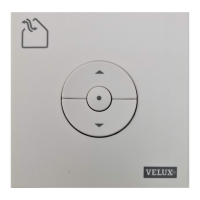
Important: The wall switch must be the universal KLI 310 or the
model matching the product(s).
If a non-functional control must be replaced or if the wall switch
cannot find certain products, you can make the products ready for
reistration by manually resetting them to initial factory settings.
Note: Reset products cannot be operated until they have been
reistered in the wall switch again.
1
The control unit can be reset by removing the cover and pressing
the test button for at least 10 seconds.
The connected products will run briefly back and forth in random
order to indicate that they are ready for reistration.
2
Press the Pair button on the wall switch for 1 second.
3
Press the stop key and then the DOWN key within 3 seconds. This
is only necessary at the initial set-up after installing the product.
The products can now be operated by wall switch KLI 310/311/312.



 To Next Page