28 VELUX
®
1 sec1 sec
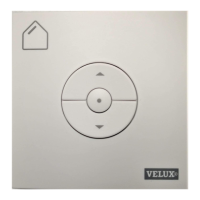
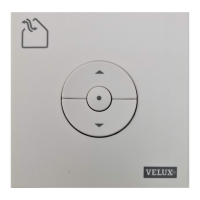
Deleting (resetting) products from wall switch KLI 310/311/312
Delete (reset) all products from a wall switch by pressing the
Gear button for 1 second followed by pressing the Pair button for
1 second.
Now the products cannot be operated by this wall switch anymore.
A product deleted in all controls will require access to
the skylight for renewed reistration of the product.



 To Next Page