VELUX
®
9
ba
Operation
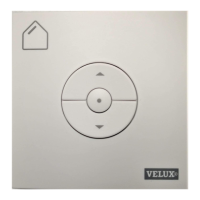
Remove the battery pull tab to start using the wall switch.
A wall switch provided with a VELUX electric or solar product has
been pre-paired with this product and needs no additional set-up to
operate the product.
However, if the product is "buzzing" at initial operation, confirm the
operation by pressing STOP (a) followed by DOWN (b).
See "Advanced set-up" for set-up of wall switch purchased separately.
Keys for operating the product
OPEN/UP or CLOSE/DOWN
Short key pressure: The product will travel to top or bottom position.
Long key pressure: The product will travel only until the key is
released.
Note: If several electrical products are connected to a control unit
KLC 500, only one of the products (random) can be operated in this
way.
Stop key
The product stops.
QUICK START



 To Next Page