- 10 -
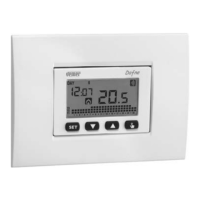
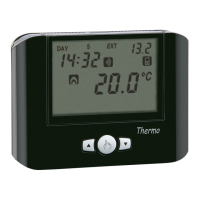
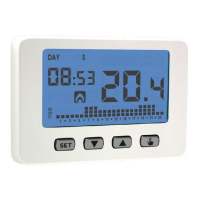
CHRONOS KEY Programmable Thermostat User Manual
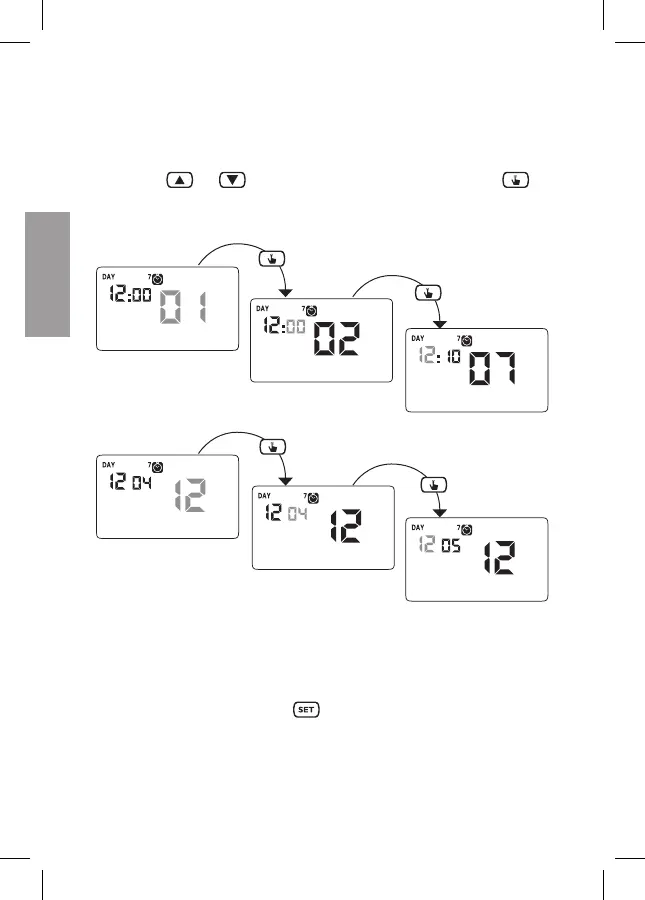
• Clock setting
Once the instrument is mains powered, set the clock (time and date insertion).
The parameters to enter are the following:
seconds (only synchronisation at value 00), minutes, hours, year, month, day.
Use the keys
and to increase and decrease the values and the key to
confirm and move to the next parameter.
Seconds synchronisation
Minutes setting
Time setting
Year setting
Month setting
Day setting
Once all values are set, press the key
for a long time to exit the menu of the
clock synchronisation.


 To Next Page