EasyManua.ls Logo

Venmar 41502 - User Manual

Venmar 41502
18 pages
Print Icon
To Next Page IconTo Next Page
Loading...
1
These products earned the ENERGY STAR
®
by
meeting strict energy efficiency guidelines set by
Natural Resources Canada and the US EPA. They
meet ENERGY STAR requirements only when used
in Canada.
21784 rev. 09
VB0205
VB0206
RESIDENTIAL USE ONLY
READ AND SAVE THESE INSTRUCTIONS
! !
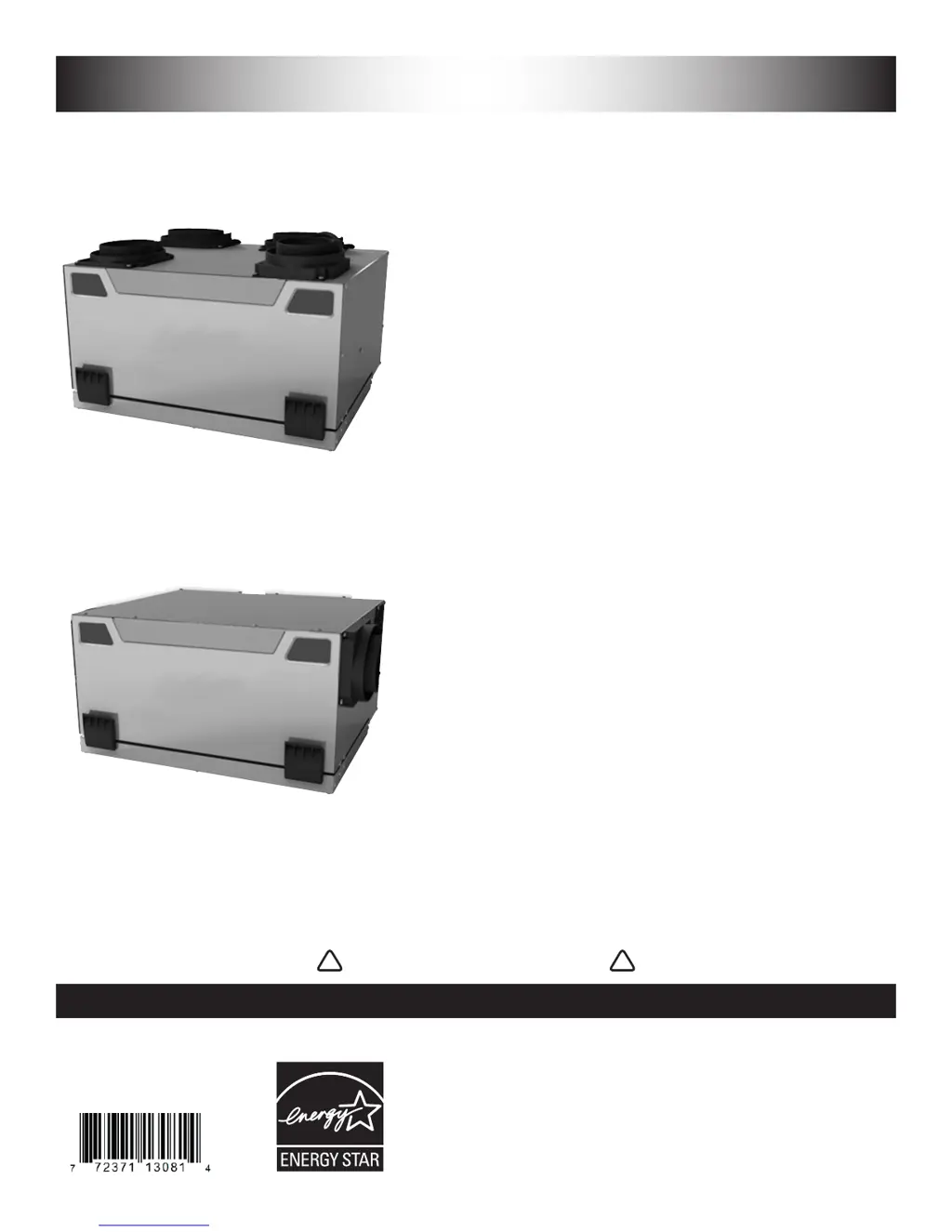
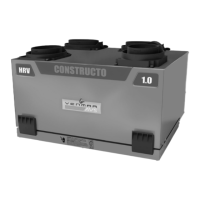
USER AND INSTALLER MANUAL
TOP PORTS UNITS
HRV ERV
Constructo 1.0 41502 41506
C12 41552 41556
60H 41602 41606
60H+ 41652 41656
SIDE PORTS UNITS
HRV ERV
Constructo 1.0 41500 41504
C12 41550 41554
60H 41600 41604
60H+ 41650 41654

Other manuals for Venmar 41502

Questions and Answers

  • P
    patelcliffordAug 20, 2025
    What to do if the air from my Venmar 41502 is too cold?
    • A
      Anthony LeAug 20, 2025
      If the air from the supply grille of your Venmar Air Conditioner is too cold: * Check whether the exterior hood is blocked. * Try operating the unit on a lower speed ventilation setting, or using intermittent or recirculation mode, if available. * Consider installing a duct heater.
  • N
    Nicole ParkerAug 22, 2025
    How to fix dry inside air with Venmar Air Conditioner?
    • B
      Brittany PowellAug 22, 2025
      If the air inside is too dry while using your Venmar Air Conditioner: * Consider using a humidifier temporarily. * If your unit has the option, operate it in recirculation mode.
  • K
    Kenneth MurphyAug 25, 2025
    Why is the LED blinking red on my Venmar Air Conditioner?
    • D
      Deborah SolomonAug 25, 2025
      A blinking red LED on the integrated control of your Venmar Air Conditioner indicates a problem. This could be due to: * The door being open while the unit is not unplugged. If this is the case, close the door and press the integrated control push button once to reset the unit. * A problem with the exhaust motor. In this case, contact your installer.
  • S
    Susan LeblancAug 27, 2025
    How to fix a Venmar Air Conditioner wall control that does not work?
    • D
      David FreemanAug 27, 2025
      If the wall control for your Venmar Air Conditioner isn't working, the issue might be with the wiring or the wall control itself. First, ensure the color-coded wires are correctly connected. Inspect all wires for damage and replace any that are broken. If the wiring seems correct, remove the wall control and test it directly beside the unit with a shorter wire. If it works, replace the original wire in the wall. If it still doesn't work, replace the wall control.
  • R
    Richard RobertsAug 28, 2025
    What to do if my Venmar Air Conditioner shows error code E1?
    • P
      Paul GravesAug 28, 2025
      If the error code E1 appears on your Venmar Air Conditioner's Altitude or Deco-Touch wall control screen, it could be due to wiring issues. Ensure that the color-coded wires are connected correctly. Inspect all wires for any damage and replace if necessary. Also, make sure all wires are securely connected.
  • S
    Stephanie Walton MDAug 29, 2025
    Why is the damper actuator not working on my Venmar Air Conditioner?
    • B
      Brandon AllenAug 30, 2025
      If the damper actuator on your Venmar Air Conditioner isn't working, the problem could be a defective actuator, damper mechanism, or circuit board. To troubleshoot, unplug the unit, disconnect the main and auxiliary controls, wait 10 seconds, and plug it back in to see if the damper opens. If not, use a multimeter to check for 24 VAC on J12-1 and J12-2 on the circuit board. If there is 24 VAC, replace the entire damper assembly. Note that a small delay of 7-8 seconds before detecting the 24 VAC signal is normal. If there is no 24 VAC, replace the circuit board.
  • S
    Stephen RoySep 2, 2025
    What causes the Dehumidistat to not work on a Venmar 41502 Air Conditioner?
    • B
      blakewashingtonSep 2, 2025
      If the Dehumidistat, the 20-minute push button, or the 20/40/60 minute push-button timer on your Venmar Air Conditioner isn't working, or if its indicator light doesn't stay on, it could be due to reversed wires or a defective component. First, ensure that the color-coded wires are connected correctly. If the wiring is correct, jump the OL and OC NO C NC I OC OL Y R G B terminals. If the unit switches to high speed, remove the Dehumidistat or push button and test it right beside the unit using a shorter wire. If it works there, replace the original wire. If it doesn’t, replace the Dehumidistat or the push button.
  • J
    Jasmin MartinezSep 4, 2025
    What to do if the defrost cycle isn't working on my Venmar 41502?
    • C
      Crystal RodriguezSep 4, 2025
      If the defrost cycle isn't working on your Venmar Air Conditioner (indicated by a frozen fresh air duct or very cold air), it could be due to ice hindering the damper, a broken damper rod or port damper, or a defective damper actuator or circuit board. To resolve this, start by removing any ice buildup. Inspect the damper rod and port damper for damage, and replace them if necessary. For issues with the damper actuator or circuit board, refer to point 5.
  • A
    amanda42Sep 6, 2025
    Why does my Venmar 41502 screen alternate between normal display and E3?
    • A
      Andrew BishopSep 6, 2025
      If the Altitude or Deco-Touch wall control screen of your Venmar Air Conditioner alternates between the normal display and E3, the wall control itself may be defective. In this case, the suggested solution is to replace the Altitude or Deco-Touch wall control.
  • R
    Rachel Smith PhDSep 8, 2025
    How to fix no outdoor temperature display on my Venmar Air Conditioner?
    • L
      Leah Hansen MDSep 8, 2025
      If there is no outdoor temperature displayed on your Venmar Air Conditioner's Altitude wall control screen, the unit thermistor may be defective (the integrated control LED of the unit must flash GREEN). If this is the case, replace the unit thermistor.

Summary

LIMITATION

1. USING THIS UNIT

1.1 Integrated Control

Explains the unit's booting sequence and how to use the integrated push-button for speed control.

2. USER SERVICING INSTRUCTIONS

2.1 Quarterly Maintenance

Details the steps for performing quarterly maintenance, including filter cleaning and core washing.

2.2 Annual Maintenance

Outlines the procedure for annual maintenance, focusing on core cleaning and unit interior.

3. USERS TROUBLESHOOTING

4. WARRANTY

5. INSTALLATION

5.1 Preparing the unit

Instructions for preparing the unit, including removing transport brackets and opening dampers.

5.2 Locating the unit

Guidance on choosing an appropriate location for the unit, considering temperature and access.

5.3 Connecting the Drain (Constructo 1.0 HRV, C12 HRV, 60 H HRV and 60 H+ HRV)

Steps for connecting the drain for specific HRV models, including tubing and water trap.

5.4 Installing the Ductwork and the registers

5.4.1 Fully Ducted System

Details installing registers for stale air and fresh air in a fully ducted system configuration.

5.4.2 Exhaust Ducted System - Supply Side

Guides duct connections for the supply side of an exhaust ducted system.

5.4.3 Exhaust Ducted System - Return Side

Details duct connections for the return side of an exhaust ducted system.

5.4.4 SIMPLIFIED INSTALLATION - RETURN;SUPPLY

5.4.5 SIMPLIFIED INSTALLATION - RETURN;RETURN

Details simplified installation steps for return/return configurations, noting furnace synchronization.

5.5 Installing the Exterior Hoods

5.6 Installing Dual Exterior Hood Using Tandem* Transition Kit (optional)

5.7 Connecting the Ducts to the Unit

5.7.1 Insulated Flexible Ducts

Instructions for connecting insulated flexible ducts, including insulation and vapor barrier handling.

5.7.2 Non-Insulated Rigid Ducts

Guidelines for connecting non-insulated rigid ducts, emphasizing vibration avoidance.

6. CONTROLS

6.1 Setting extended defrost for C12 HRV, C12 ERV, 60 H+ HRV AND 60 H+ ERV

Procedure to set extended defrost mode for specific unit models in cold weather conditions.

6.2 Electrical Connection to Optional Wall Controls

Explains compatibility and wiring procedures for connecting optional main and auxiliary wall controls.

7. CONNECTION TO THE FURNACE

8. BALANCING THE UNIT

9. SERVICE PARTS

10. WIRING DIAGRAM

11. TROUBLESHOOTING

Venmar 41502 Specifications

General IconGeneral
BrandVenmar
Model41502
CategoryAir Conditioner
LanguageEnglish

Related product manuals