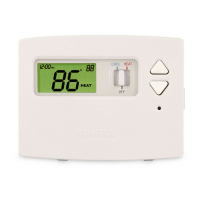
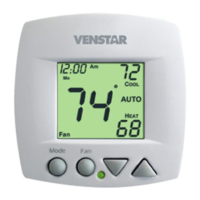
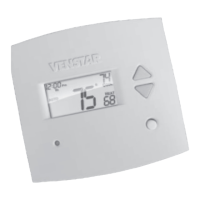
Display
88
88
HEAT
COOL
ONOFF
AUTO
Fan On
Program
Locked
Setup
On
o
Am
Pm
I8:88
Day
Night
Evening
Morning
Morning, Day, Evening & Night icons - Pages 8-10
Indicates the day part of the time period program.
Setup icon - Pages 11-13
Indicates the thermostat is in the setup mode.
Fan On icon - Page 7
Indicates constant, continuous fan operation.
When Fan On is not lit - indicates the fan will only
operate when necessary to heat or to cool.
Locked icon - Page 18
Indicates the keypad has been locked.
Page 4


 To Next Page
 Loading...