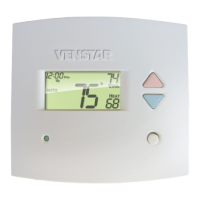
Page 1.4
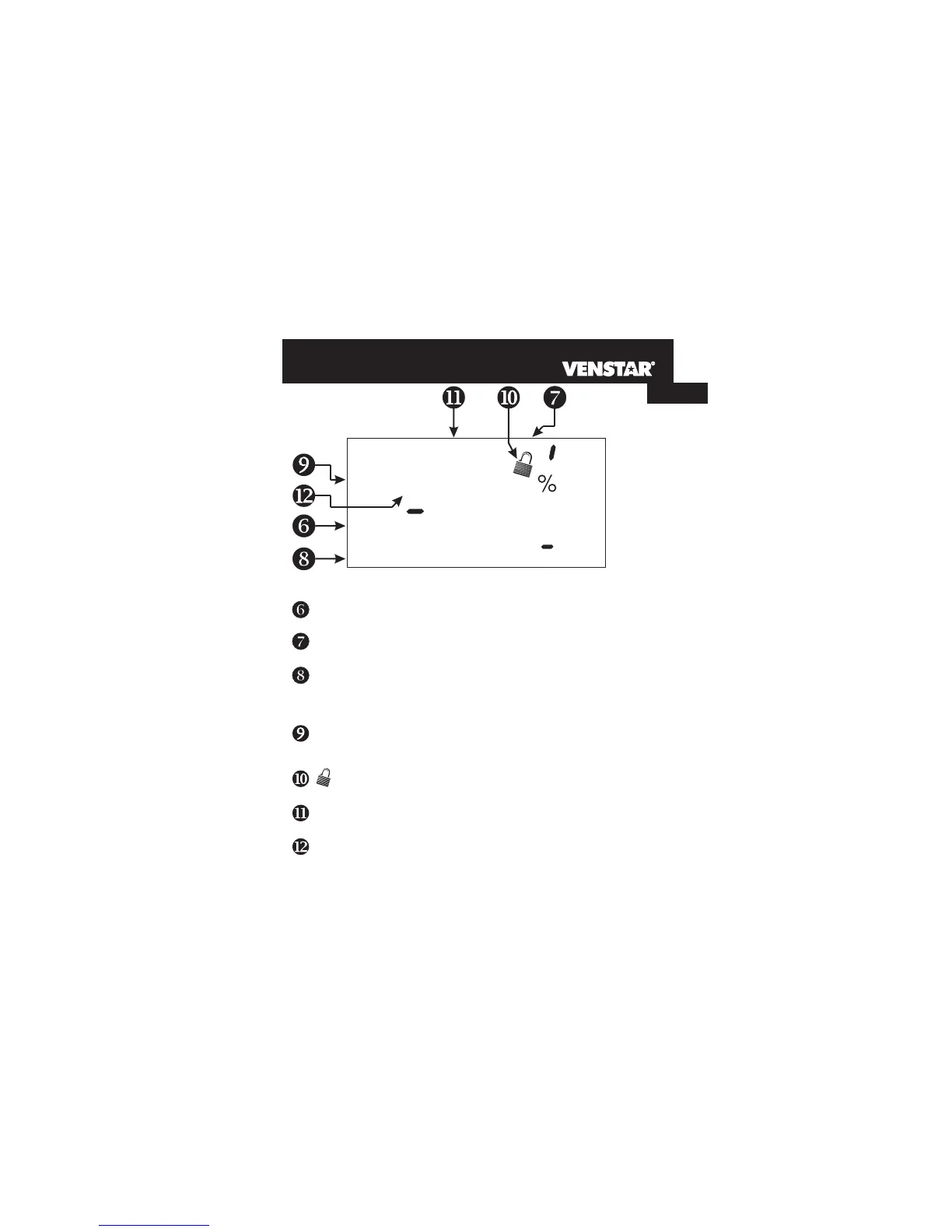
Setup icon -
Indicates the thermostat is in the setup mode.
Fan On icon - Section 7
Indicates constant, continuous fan operation.
When Fan On is not lit - indicates the fan will only operate when
necessary to heat or to cool.
Service Filter icon - Section 19
Appears when the filter should be serviced under normal conditions.
Adjustable from 0 - 1950 hours of blower operation.
icon - Section 8
Indicates the keypad has been locked.
StartStop icon - Section 6
Appears when programming timer functions.
UV Light icon - Section 19
Appears when the UV bulb should be serviced under normal
conditions. Adjustable from 0 - 1990 days of operation.
Sections 6-19
AUXHEAT
COOL
AUTO
OFFON
Morning
DayNight
Evening
FanOn
Am
I8:88
SuMoTuWeThFrSa
Service Filter
Pan UV Light
Program On
StartStop
DeHumidify
I88
Setup
Outside
Vacation
Pm
88
LO
HI
88
Display Features
Morning, Day, Evening & Night icons - Section 6
Indicates the day part of the time period program.
1


 To Next Page