Page 1.3
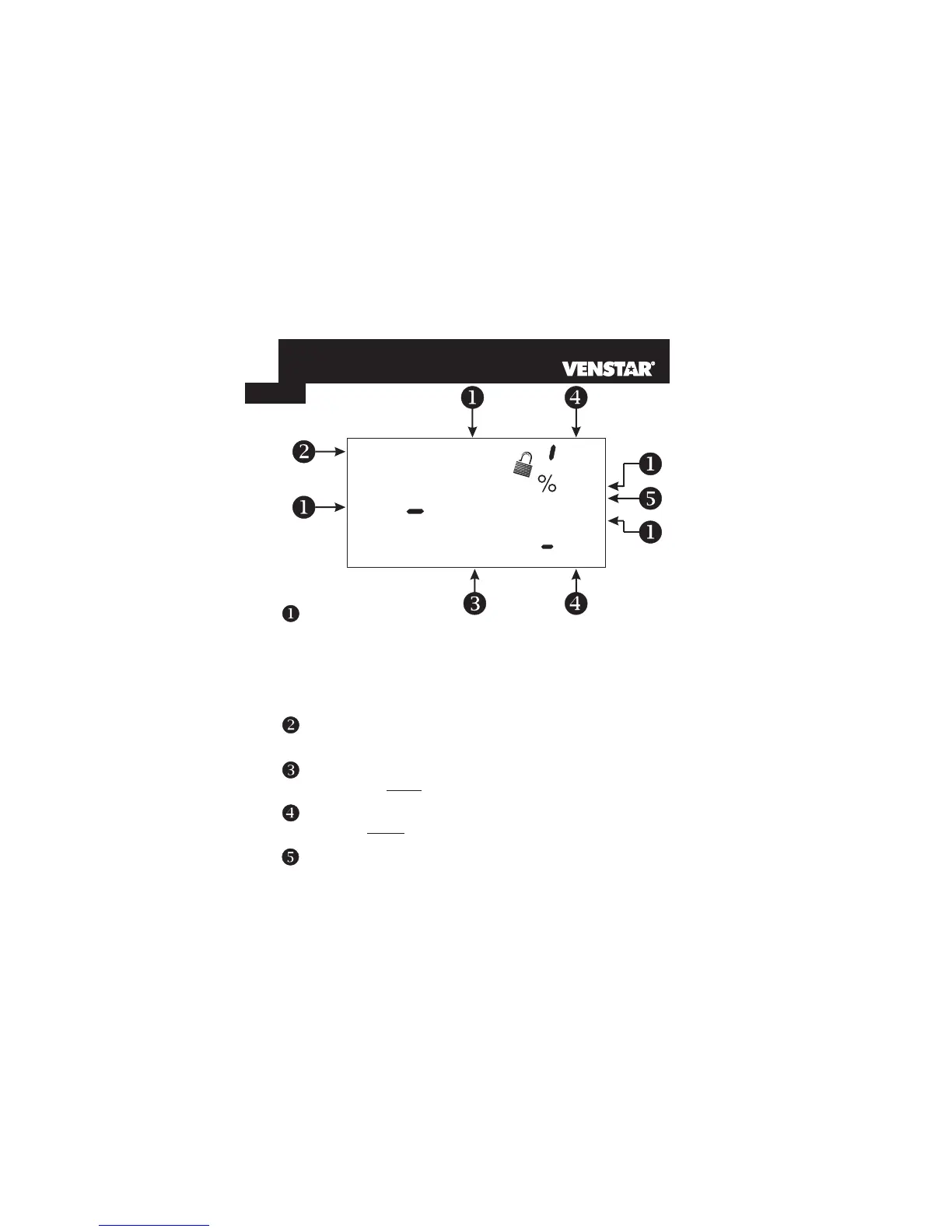
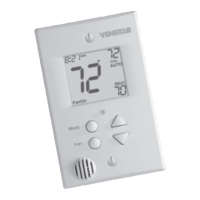
Mode Indicators -
Selects the operational mode of the equipment.
HEAT - Indicates the heating mode.
COOL - Indicates the air conditioning mode.
AUTO - Indicates the system will automatically changeover
between heat and cool modes as the temperature varies.
OFF - Indicates heating and cooling is turned off.
PROGRAM ON - Indicates the time period program is enabled to
run.
Section 4
Display Features
Clock with Day of the Week - Section 3
Indicates the current time and day. This clock is also used to program
the time period schedules.
Room Temperature Display - Section 5
Indicates the current room temperature and displays the outdoor
temperature when selected.
Desired Set Temperature - Section 4/5
Indicates desired room temperature(s). Also displays the highest
and lowest temperatures for the day.
Outside icon - Section 5
Indicates the temperature displayed is from the optional outdoor
sensor.
Evening
FanOn
AUXHEAT
COOL
AUTO
OFFON
Morning
DayNight
Am
I8:88
SuMoTuWeThFrSa
Service Filter
Pan UV Light
Program On
StartStop
DeHumidify
I88
Setup
Outside
Vacation
Pm
88
LO
HI
88
1
1
1



 To Next Page