17
Basic Operations (Cont.)
Quick Select
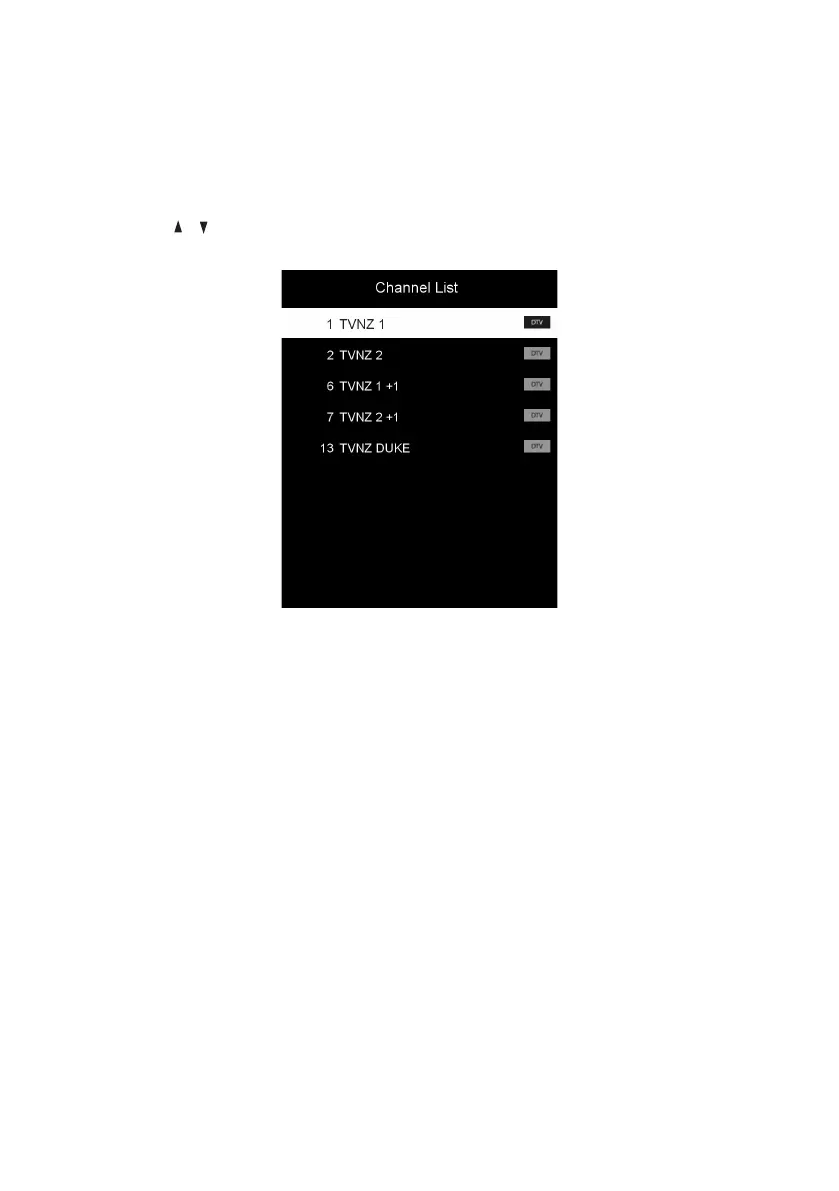
• While viewing a channel, press the OK button to enter the Channel List
directly.
• Press the / buttons to select the channel and press OK to watch it.
Subtitles
• Press the SUBTITLE button on the remote control to enter the subtitle menu
and select the available subtitle language.
NOTE: The program you are watching must support subtitles.



 To Next Page