CONFIGURATION
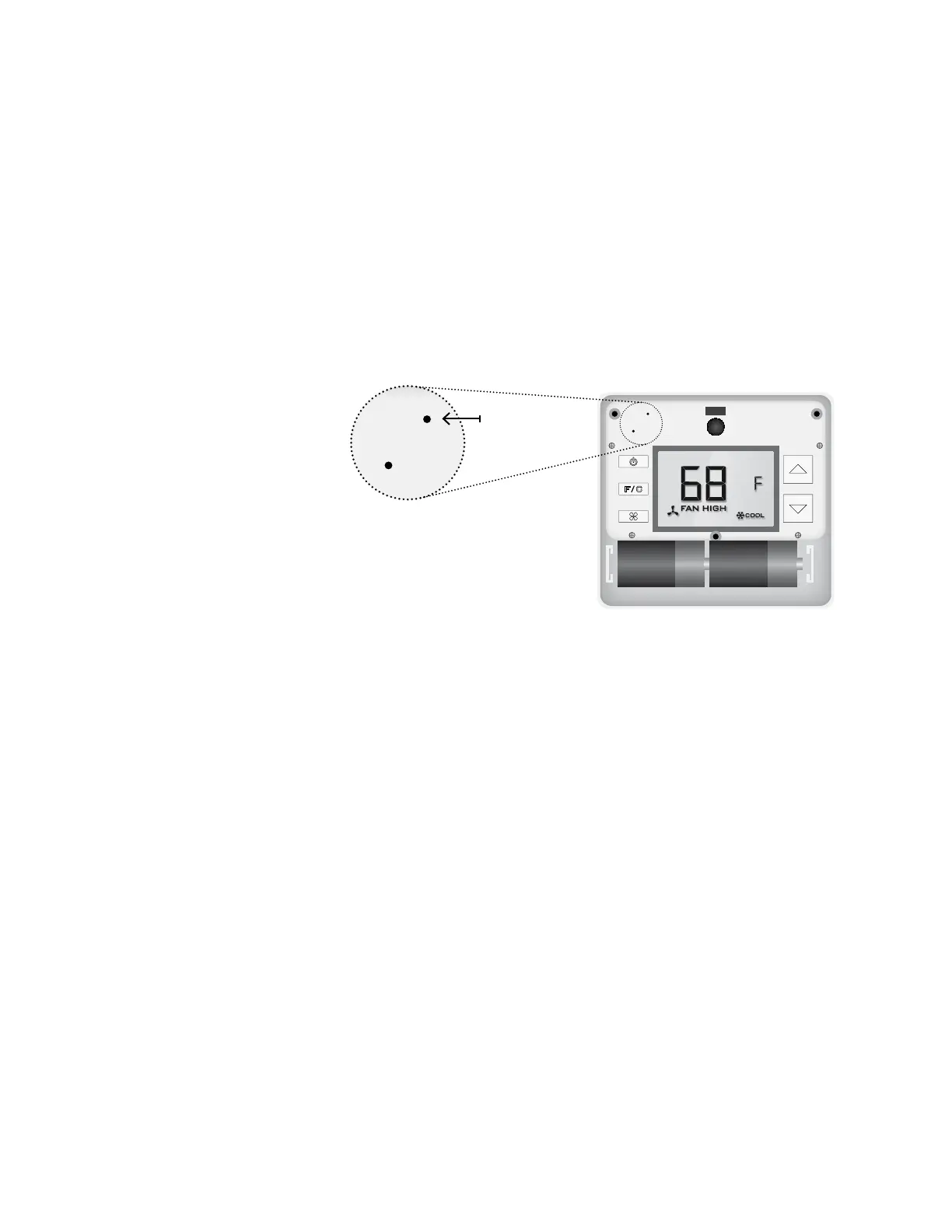
BUTTON
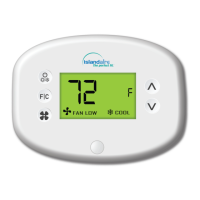
NOTE: You can access Thermostat
Configuration settings by pressing
the “Configuration” button.
12
Verdant VX-TR Network Installation
Configuring Thermostats
Once the thermostat is powered, thermostat configuration settings will
appear on the thermostat screen.
In order to properly operate the PTAC unit:
➤ Set the thermostat clock;
➤ Enter the room number;
➤ Configure the equipment settings;
➤ Select Energy Savings Preset;
➤ Use the “Up” and “Down” buttons to change the setting;
➤ Press the “Fan” button to advance to the next setting;
➤ Press the “F/C” button to advance to the next configuration screen;
➤ Press the “Power” button to save and exit configuration;
NOTE: If the thermostat is connected to a network, the equipment and
the energy saving settings configured on the thermostat will be ignored
and the settings configured on the Remote Management Website will be
applied.


 To Next Page