9
Verdant VX-TR Network Installation
Installing Thermostats
4. Programming the thermostat with the Network Programmer
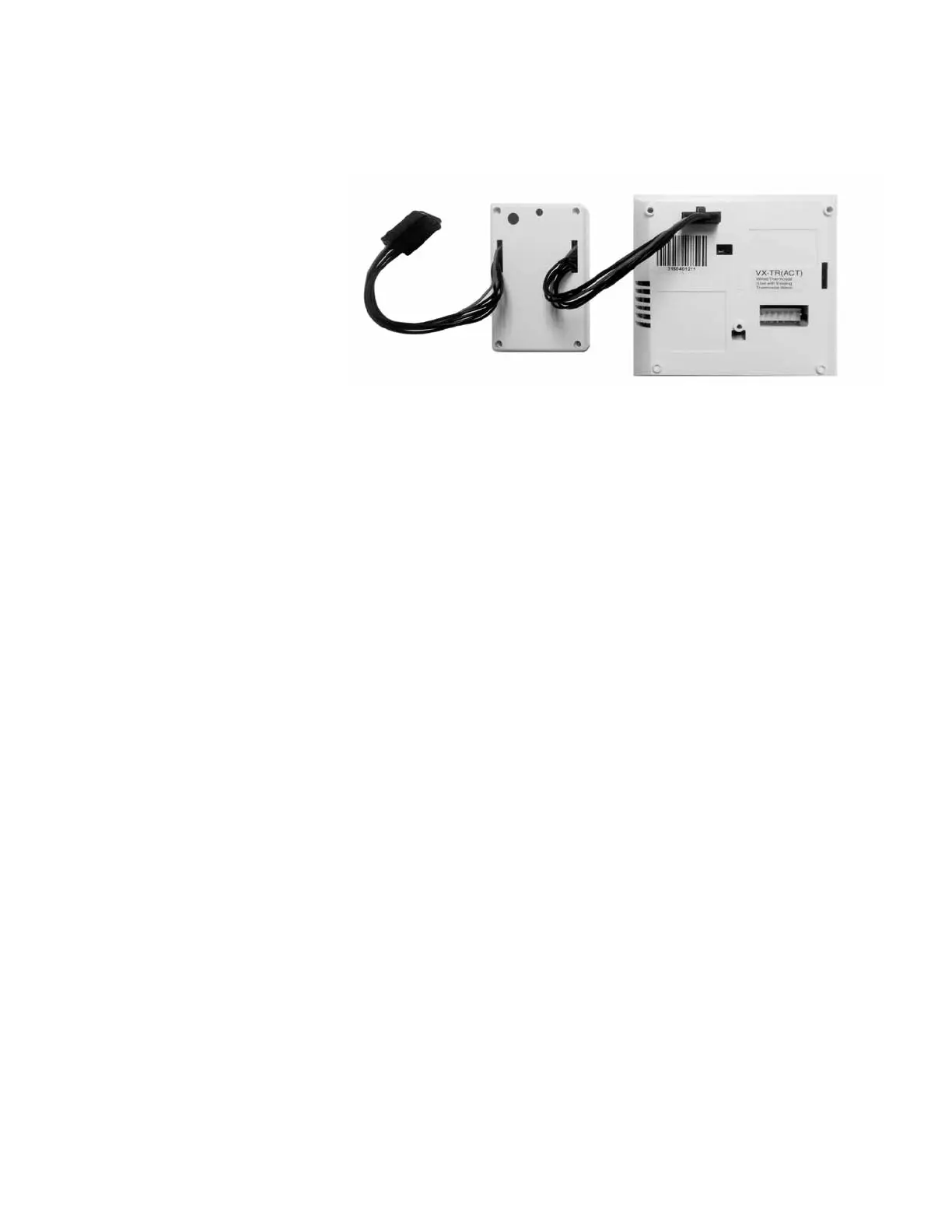
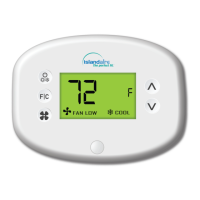
4.1. Plug one Network Programmer connector into the T-shape opening
on the Thermostat;
4.2. Push the Black Button on the Network Programmer.
The red light on the Network Programmer will turn on and remain
steadily lit;
If the red light on the Network Programmer is blinking or is not
steadily lit, the thermostat has not been programmed correctly.
Unplug the Network Programmer connector from the thermostat
and repeat the steps above.
4.3. Unplug the Network Programmer from the thermostat;


 To Next Page