19
Verdant VX-TR Network Installation
Testing Thermostats
Following the thermostat configuration, test if the thermostat is controlling the
HVAC unit.
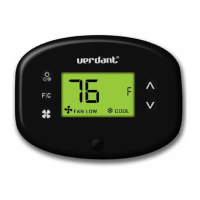
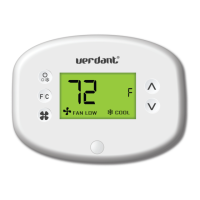
➤ Press the “Power” button to save the Thermostat Configuration and
start using the thermostat;
➤ Press the “Power” button to turn the thermostat ON;
➤ Press the “Down” button to change the temperature setpoint below
the current room temperature to confirm that the thermostat
initiates air conditioning.
➤ Press the “Up” button to change the temperature setpoint above
the current room temperature to confirm that the thermostat
initiates heating.
➤ Change the fan speed by touching the “Fan” button to test if the
thermostat is controlling the fan speed.


 To Next Page