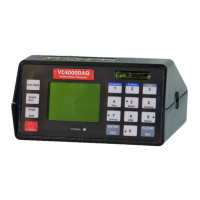
Display
The VC4000 uses a graphic and text display. It has large letters so
it is easy to see from a distance, such as on a windshield when
viewing from the drivers’ seat. The display and keypad are lighted
for viewing in low light. The light will go out after a few minutes if a
key has not been pressed. It will light again when a key is pressed.
Keypad
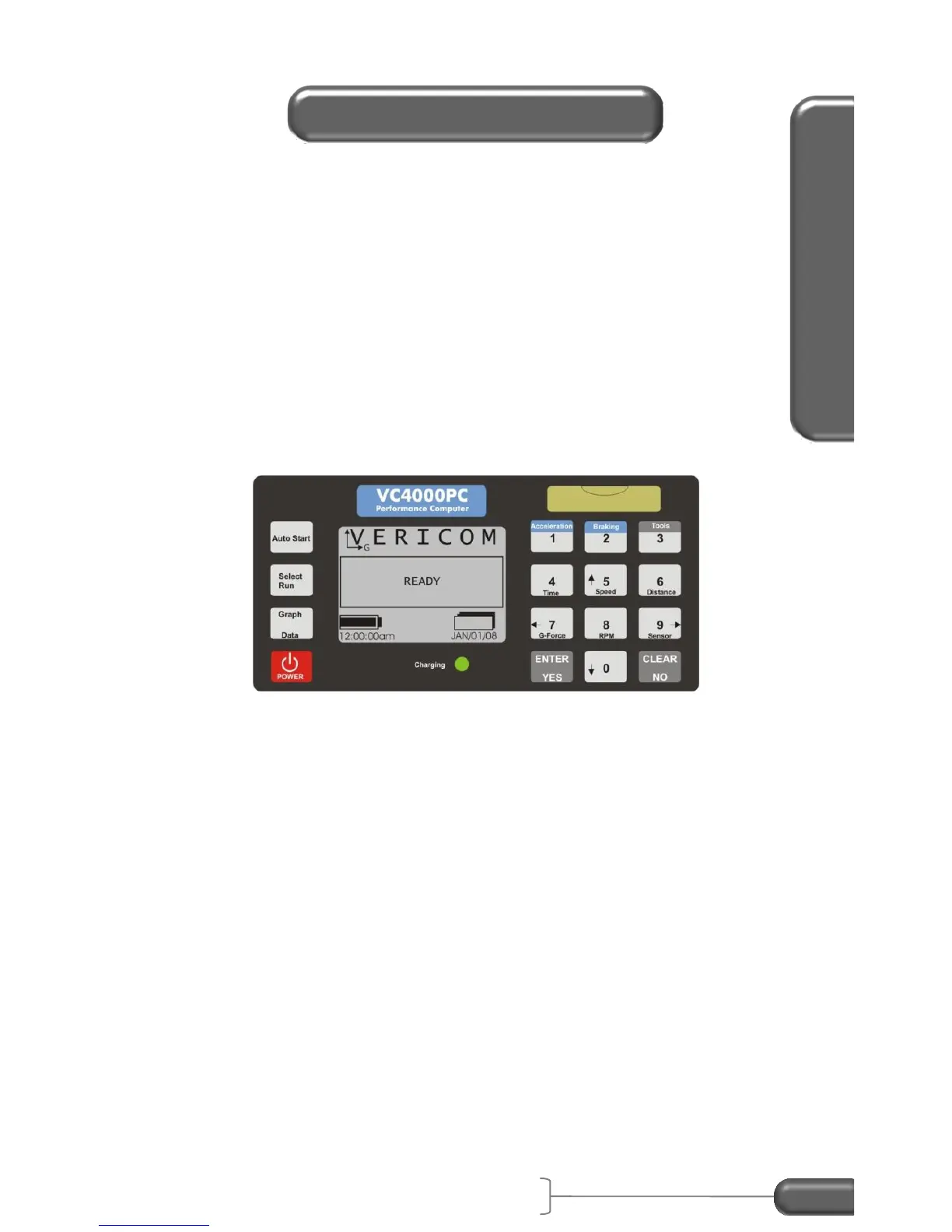
The keypad has 16 keys with the numeric side laid out like an
industry standard telephone keypad.
Figure 6: keypad
Many keys have more than one function, depending on what the
display shows. See the following table.


 To Next Page
 Loading...