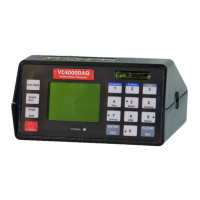
The VC4000 can connect one of several of its own sensors to
another data acquisition system using the Analog out port.
The following sensors are available as analog outputs:
Longitudinal Accelerometer (Gx)
Lateral Accelerometer (Gy)
Vertical Accelerometer (Gz)
G-Summation (Gxyz)
Speed (Calculated from VC4000 accelerometers)
GPS Speed (PC)
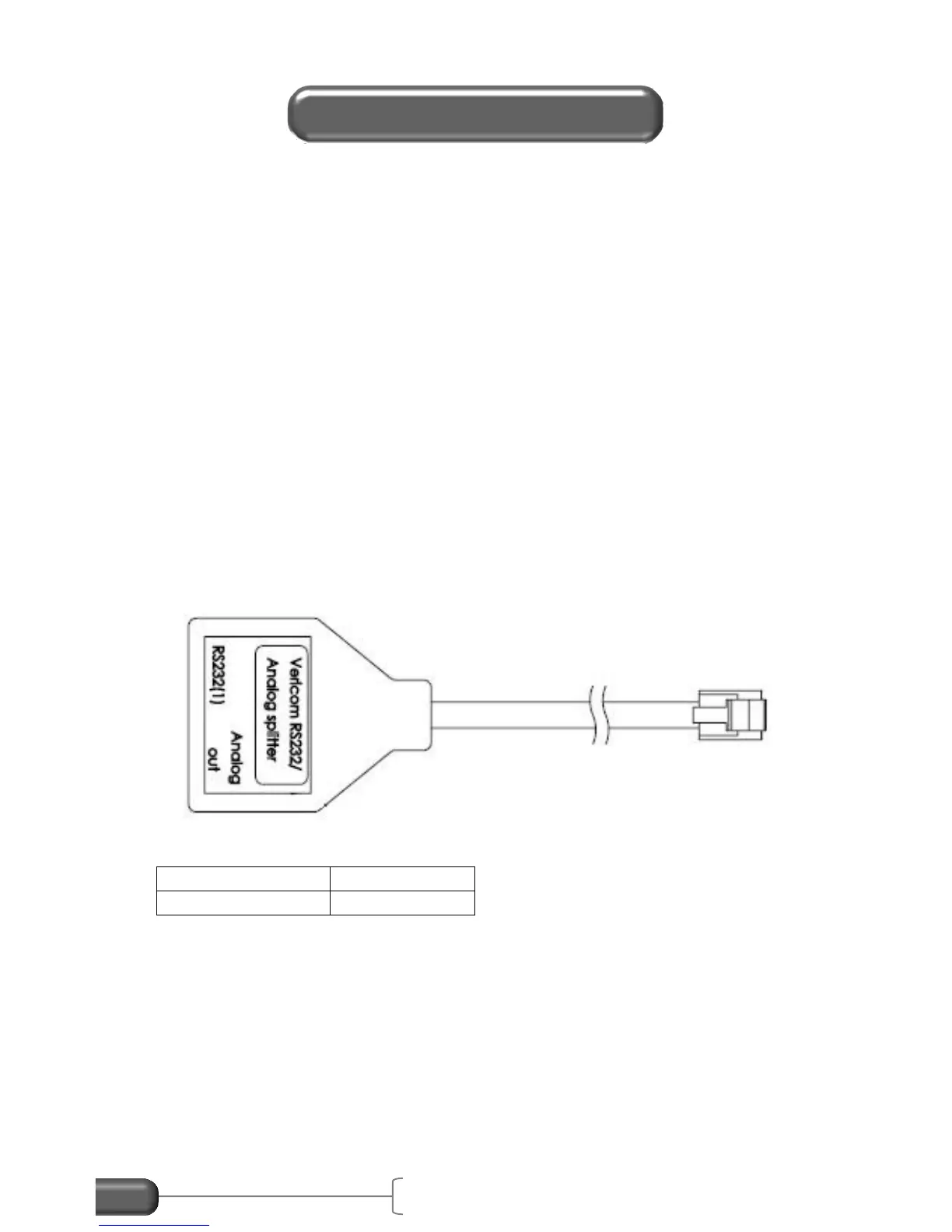
Connect the RJ12 plug of the Analog output cable to the
“RS232/Analog out” port of the VC4000, or if using the RS232 and
analog out at the same time, to the RS232/Analog out splitter jack
marked “Analog out”. The other end is bare wire for connection to
another data acquisition system.
Figure 32: RS232/Analog splitter
Wiring:


 To Next Page
 Loading...