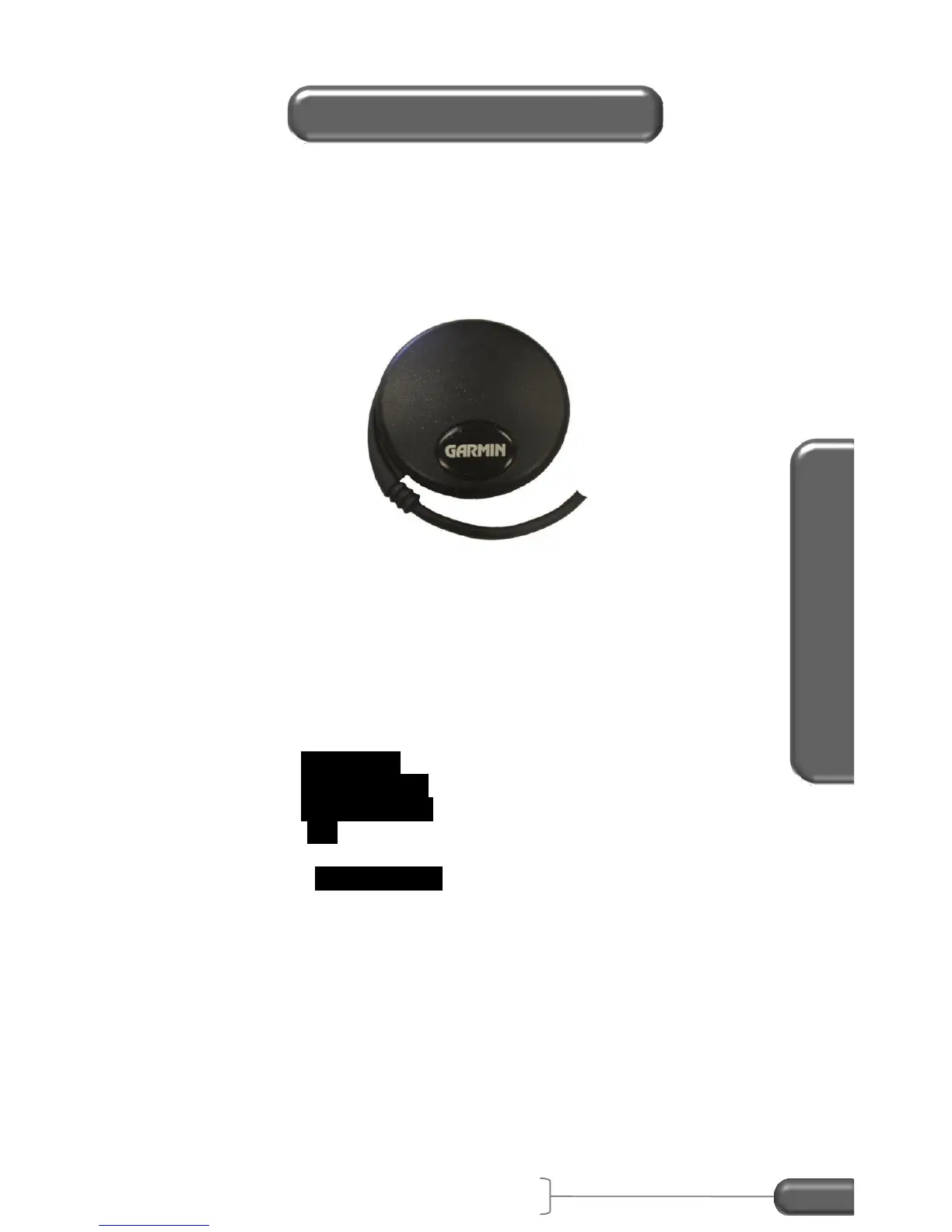
(PC) Vericom has a 5Hz GPS sensor that connects to the RS232
port on the VC4000PC. The VC4000PC will store GPS location,
altitude and speed every sample period but the GPS data is only
updated every 5Hz (0.20 seconds).
Figure 33: GPS Sensor
Plug the RJ12 end into the RS232 port on the VC4000PC before
turning the power on. The VC4000PC will automatically recognize
it and turn on GPS Speed. Route the cable out the passenger side
door or window (so it doesn’t interfere with driving) and set the
magnetic base of the GPS sensor on the roof to get the best
reception. When GPS Speed is on it will store the location at the
beginning and end of the run and also store GPS speed every 5Hz.
To turn the GPS location sensor on:
1. Select Sensors… from the Setup menu
2. Select GPS Sensors
3. Select GPS Location
4. Select ON to store longitude and latitude every 5Hz for
tracking on a map in Profile 5.
5. Turn on GPS Altitude to save altitude every 5Hz.


 To Next Page
 Loading...