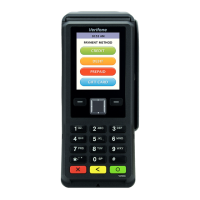
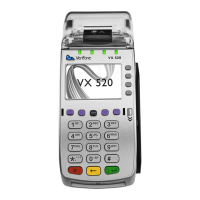
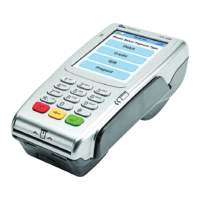
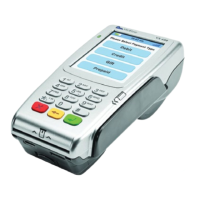
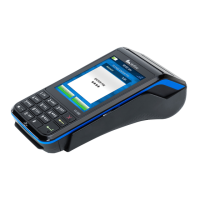
The customer then selects the preferred account type by tapping the screen options or selecting on the
keypad 1 or 2 to the matching options on the screen
1 CHEQUING
2 SAVING
If the screen then reads ‘PLEASE ENTER PIN’; the customer must enter their PIN at this time.
The terminal then goes through a process of dialing and upon completion prompts ‘APPROVED’
The terminal generates a receipt automatically. (This is the merchant’s copy)
The screen then reads ‘Print Copy’. At this time the merchant press ‘OK’ on the screen or the ‘Green
Key’ on the keypad to print the copy of the receipt.


 To Next Page
 Loading...