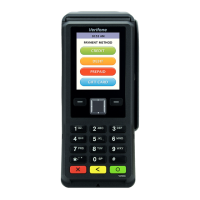
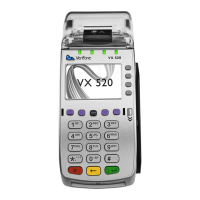
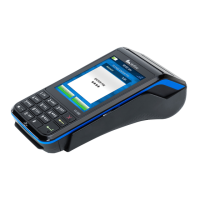
If the screen then reads ‘PLEASE ENTER PIN’; the customer must enter their PIN at this time.
The terminal then goes through a process of dialing and upon completion prompts ‘APPROVED’
The terminal generates a receipt automatically. (This is the merchant’s copy)
The screen then reads ‘Print Copy’. At this time the merchant press ‘OK’ on the screen or the ‘Green
Key’ on the keypad to print the copy of the receipt.
Note
1. Security Checks must be conducted for all Magstrip/Swipe transactions. These checks require the
merchant to: (a) Verify the Card Number, (b) Verify the Printed Number, (c) Verify the Hologram, (d)
Verify the Signature, (e) Verify the issuer Logo (f) Verifying the Expiry Date, (g) Verifying Name on Card
is SAME on Valid Photo ID
2. The last (4) four digits of the Credit Card Number are on the front of the Credit Card presented.


 To Next Page
 Loading...