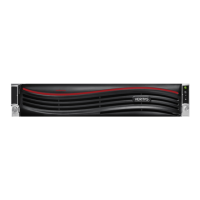
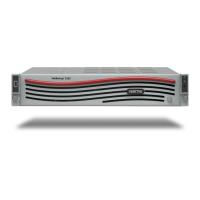
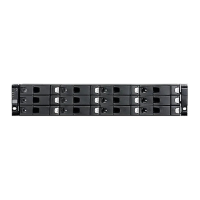
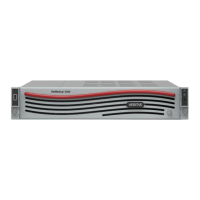
Table 1-2
Appliance configuration order (continued)
Configuration orderSystem
After all appliances have been configured, add the storage
expansion unit to the server on which it is physically
connected.
Systems that include a
storage expansion unit
See “About appliance configuration guidelines” on page 8.
About NetBackup 52xx appliance roles
When you configure an appliance for the first time, you must select a role for it. The
role refers to the server type as follows:
Table 1-3
Appliance role and mode descriptions
DescriptionRole
Select this role to configure the appliance as a master server.Master
Select this role to configure the appliance as a media server.
You must also identify the master server that you plan to use
with this appliance. The master server can be either a
traditional NetBackup master server or a NetBackup
appliance master server.
When you select the media server role, you must also define
the storage names for the following disk volumes:
■ Deduplication volume
■ AdvancedDisk volume
Media
See “About the initial configuration pages in the NetBackup Appliance Web Console”
on page 14.
See “About the NetBackup 52xx Appliance initial configuration checklist” on page 24.
About IPv4-IPv6-based network support
NetBackup appliances are supported on a dual stack IPv4-IPv6 network and can
communicate with IPv6 clients for backups and restores. You can assign an IPv6
address to an appliance, configure DNS, and configure routing to include IPv6
based systems.
12Preparing for initial configuration
About NetBackup 52xx appliance roles



 To Next Page
 Loading...