Web
http://verizonwireless.com/Support.
Call (800) 922-0204.
Follow us @VZWSupport.
SIM Card Access
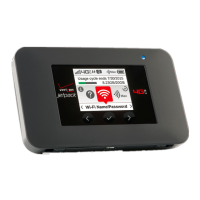
A SIM card is preinstalled in your Jetpack. If you need to replace your SIM card, remove the back cover
and battery then gently push the SIM card out of SIM slot.
Customer Information
Your Wireless Device and Third Party Services Verizon Wireless is the mobile carrier associated with
this wireless device, but many services and features offered through this wireless device are provided
by or in conjunction with third parties. Verizon Wireless is not responsible for your use of this wireless
device or any non– Verizon Wireless applications, services and products including any personal
information you choose to use, submit or share with others. It is recommended that you use the
available encryption options for added security when provisioning your device for use as a Wi-Fi
gateway. See your user manual for details. Specific third party terms and conditions, terms of use, and
privacy policies shall apply. Please review carefully all applicable terms and conditions and policies
prior to using this wireless device and any associated application, product or service.
Quality One part no. QRG791VW
2015 Verizon Wireless. All Rights Reserved.
Read More About This Manual & Download PDF:
Verizon Jetpack 4G LTE & Mobile Hotspot AC791L User Manual – Optimized PDF
Verizon Jetpack 4G LTE & Mobile Hotspot AC791L User Manual – Original PDF
Questions about your Manual? Post in the comments!


 To Next Page
 Loading...