4
vertilux.com
© 2018. Vertilux, Ltd. All Rights Reserved. Last revised: October 2018.
• Modifiying the direction of the panels
• Adding an additional remote control
• Resetting the motor to factory default
Optional functions
This function is convenient when the need arises to change the moving direction of the panels.
For example, when pressing the up button on the wall control, the shade closes, or when
pressing the down button, the shade opens.
Modifiying the direction of the panels
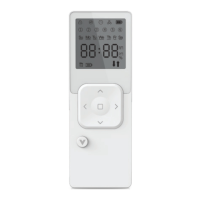
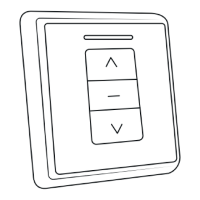
A wall control can also be used in order to add a new remote control.
Adding an additional remote control
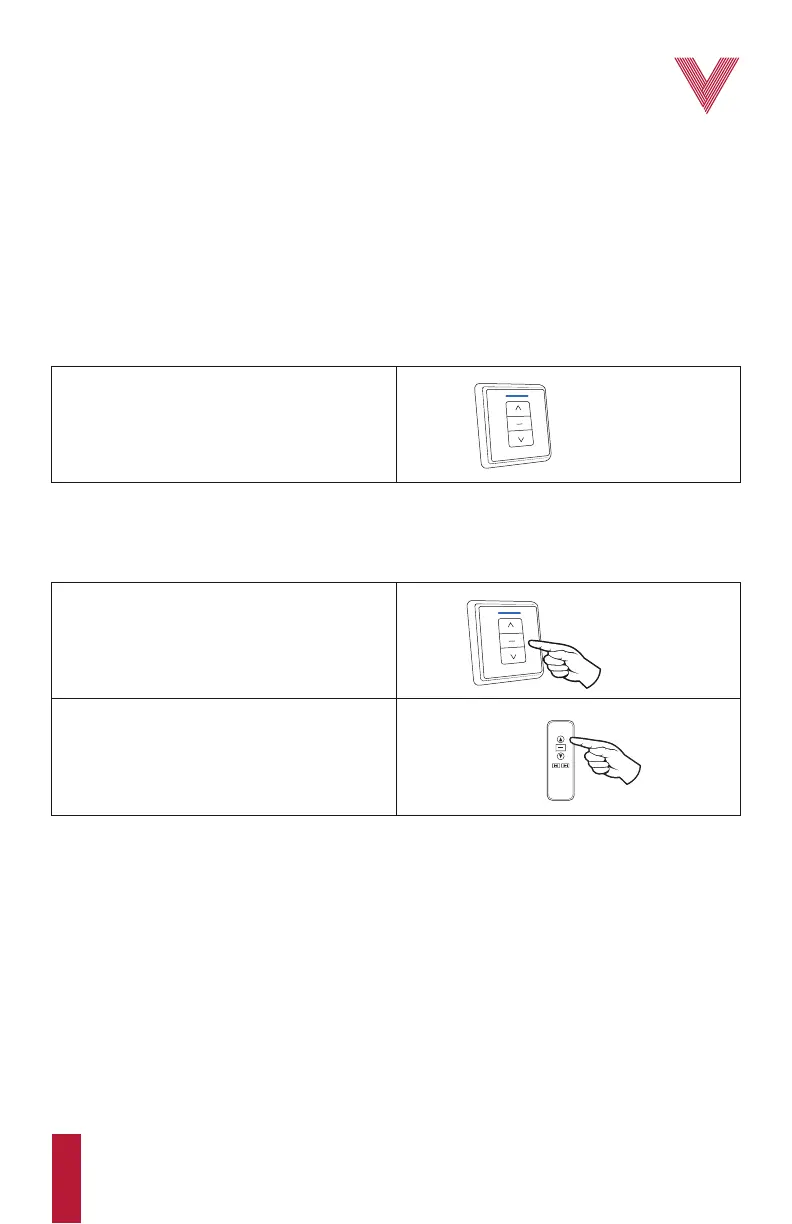
UP & DOWN
BUTTONS
1. Press and hold the up and down buttons on the
wall control at the same time until the blue light
on the wall control flashes.
1. Using the wall control, press and hold the stop
button for about 5 s until the blue light on the
wall control flashes.
2. Then, using the new remote control, select the
desired channel using the channel selector
button, and press the up button. The Vertilux
Shade is now set on the new remote control.
STOP
BUTTON
UP
BUTTON
NEW REMOTE
CONTROL


 To Next Page