6
Case #2: Only one of the 2 motor buttons is locked and does not "click" when pressed.
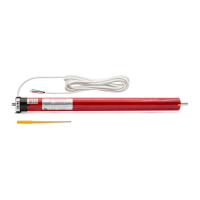
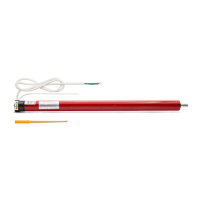
Make sure you release the mechanism. To do this, remove the track COVER located on the side of
the motor and remove the GEAR to release the mechanism (p. 2, fig. 2).
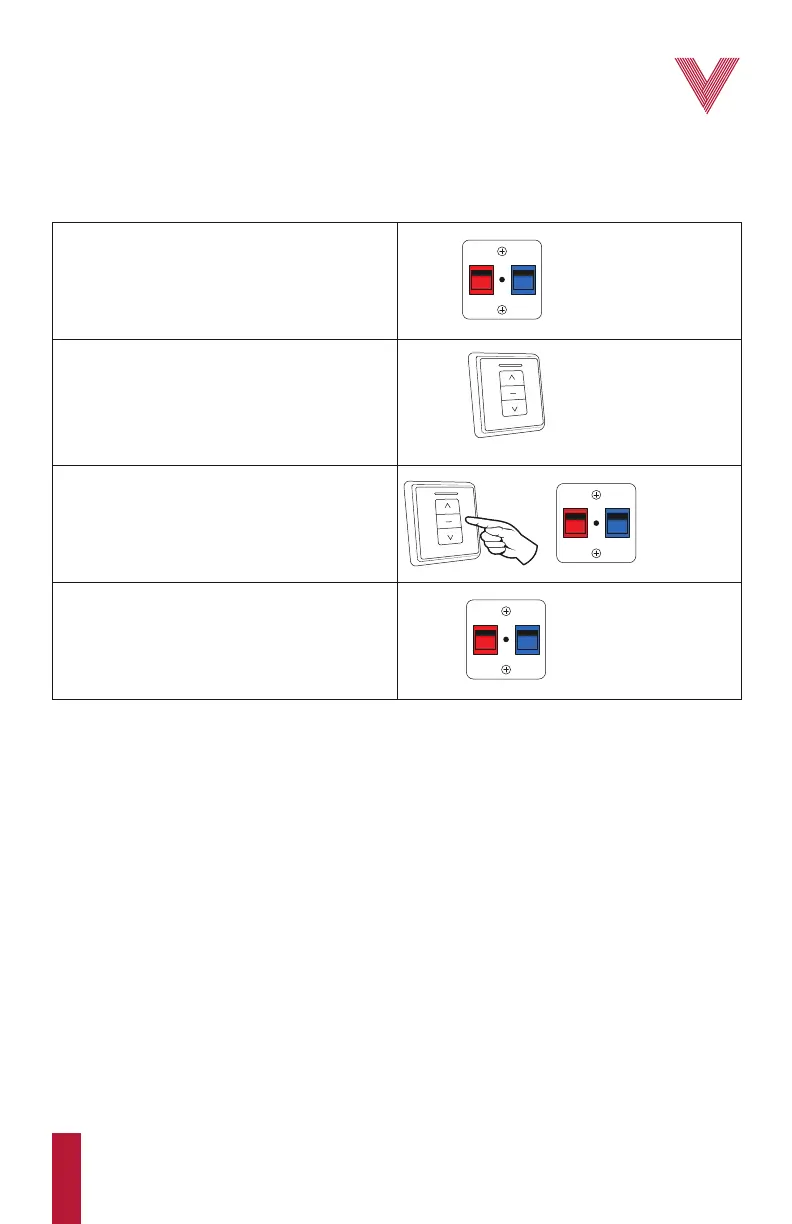
1. Test the red and blue buttons. One of them
should emit a “click” sound. Press and hold the
button that “clicks”, until you complete step 3.
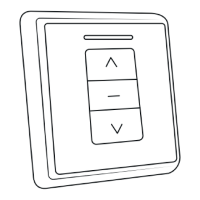
2. On the wall control, press either direction
button until the motor stops on its own. If the
button you pressed does not start the motor, or if
after several minutes the motor does not stop, try
this step again using the opposite direction
button to the one previously selected.
3. Press and release the stop button and then
release the button that was pressed on the motor.
STOP
BUTTON
DIRECTION
BUTTON
RED OR BLUE
BUTTON IS
UNLOCKED
RELEASE
RED OR BLUE
BUTTON
4. Test the red and blue buttons again. At this
time, both buttons should be able to emit a
“click” sound when pressed. Both buttons are
now unlocked, allowing for new limits to be set.
RED AND BLUE
BUTTONS ARE
UNLOCKED
The motor is now set to its factory default settings. Place the GEAR back. You can now follow the
procedure to adjust the limits (p. 3).
The values, recommendations and instructions in this manual may vary at any time without previous notice.
They are not contractual and can not be used as claim for defective merchandise, order cancellations or returns.
The process of transportation of the motor may cause a slight spill of the grease used for the internal lubrication
of the motor. This does not affect its operation. Clean the lubricant residues with a dry cloth to avoid stains on the
slats or panels during the shade fabrication process.
•
•
IMPORTANT:
For additional information contact your Vertilux representative or Vertilux Authorized Dealer.


 To Next Page