User Manual 10H52258UM60 - Rev. 3 - 01/2019
38
APM 400/600 Operation Control and Display
5.7.1 Main Screen
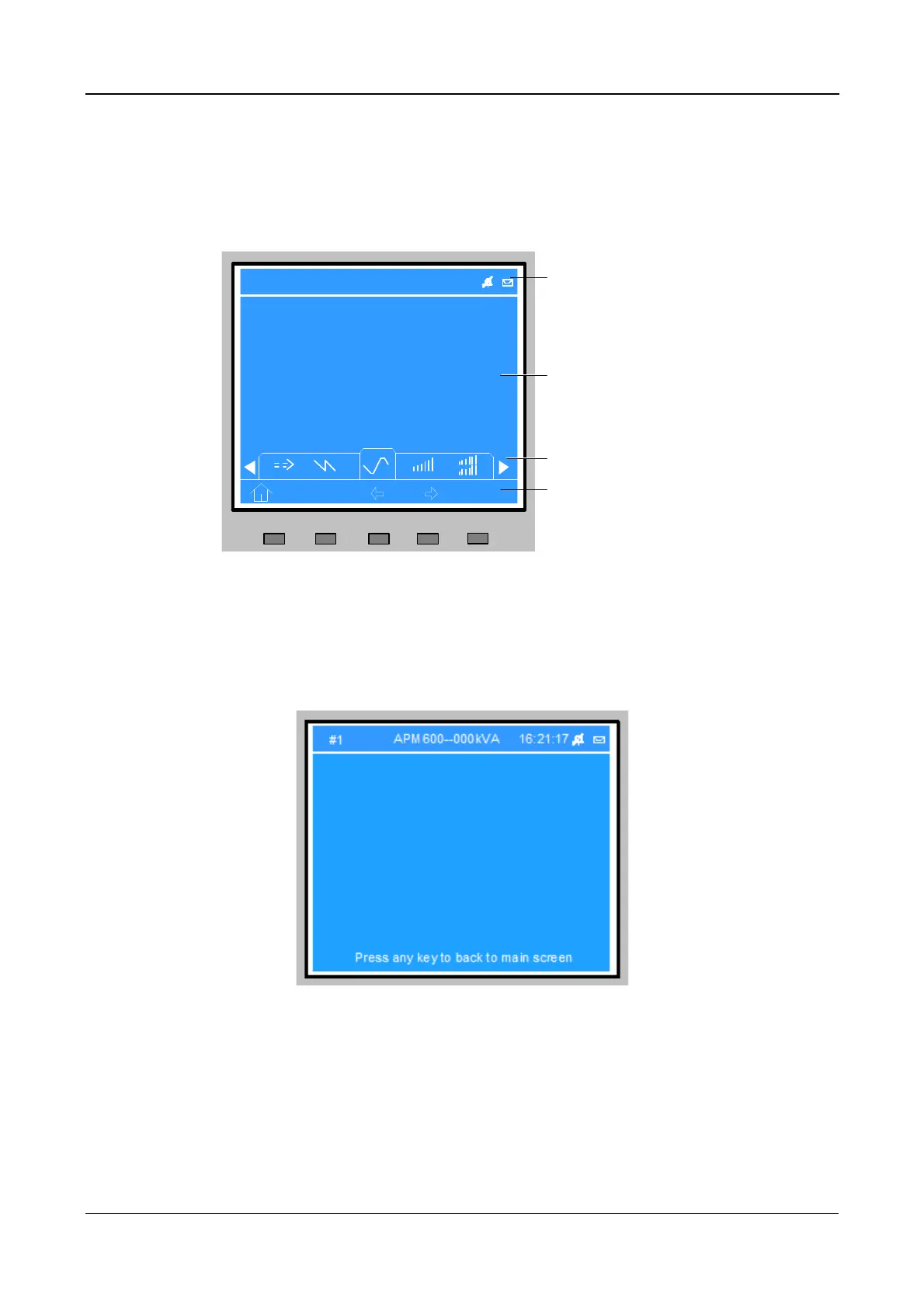
Once the UPS starts has completed the self test, the main screen is displayed. The main screen is divided into the
following 4 windows:
• System information
• Data
• Menu
• Keypad
A(AB) B(BC) C(CA)
220 220 220
20.5 20.5 20.5
50.1 50.1 50.1
380
380
380
0.99 0.99 0.99
F1 F2 F4
HELP
F3
FLOW
16:21:17APM 600--400kVA
L-N voltage (V)
Frequency (HZ)
L-N current (V)
L-L voltage (V)
Power factor (V)
OutPut
#1
System information window
Data window
Menu window
Keypad window
Figure 5-3 Primary Screen
The four Main Screen windows are illustrated in Figure 5-3. From any menu on the Primary screen, press the F1
key to access the Output menu.
5.7.2
Default screen
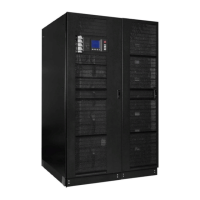
During the normal operation, if no alarms are active and no actions are performed, the default screen is displayed,
(see Figure 5-4).
Figure 5-4 Default screen
After a certain length of time, if no actions are carried out and no alarms are active in default screen mode, the
LCD backlight will switch off (similar to a smart-phone touch screen, where the screen saver appears after a
period of inactivity, and is then extinguished after a further interval, until such time as the user presses a key or
carries out some other action). Press any menu key (F1 to HELP) to return to the default screen.
5.8
Detailed description of the various menu items
Section 5.6.2 provided an overview of the Main Screen, whereas this section offers a detailed description of the
functions included in each menu, in order to help users understand how the APM UPS functions.








 To Next Page