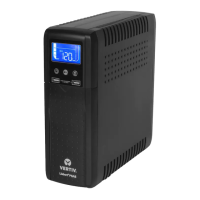
Liebert
®
itON CX
Quick-Start Guide – 600VA/1000VA, 230V
1BIMPORTANT SAFETY INSTRUCTIONS
SAVE THESE INSTRUCTIONS
This manual contains important instructions that should be followed during installation
and maintenance of the UPS.
Intended for installation in a controlled environment.
Maximum ambient temperature 104°F (40°C).
CAUTION! To prevent the risk of fire or electric shock, install in a temperature and
humidity controlled indoor area free of conductive contaminants. (See the specifications
for the acceptable temperature and humidity range.)
CAUTION! To reduce the risk of overheating the UPS, do not cover the UPS' cooling
vents and avoid exposing the unit to direct sunlight or installing the unit near heat emitting
appliances such as space heaters or furnaces.
CAUTION! Do not attach non-computer-related items, such as medical equipment,
life-support equipment, microwave ovens, or vacuum cleaners to UPS. Do not connect
loads greater than 100W.
CAUTION! Do not plug the UPS input into its own output.
CAUTION! Do not allow liquids or any foreign object to enter the UPS. Do not place
beverages or any other liquid-containing vessels on or near the unit.
CAUTION! In the event of an emergency, press the OFF button and disconnect the
power cord from the AC power supply to properly disable the UPS.
CAUTION! Do not attach a power strip or surge suppressor to the UPS.
CAUTION! If the UPS is with metal chassis, for safety purpose, grounding is a must
during UPS installation in order to reduce leakage current below 3.5mA.
CAUTION! When replacing the batteries, use the same number and type of batteries.
CAUTION! Internal battery voltage is 12.8VDC. Lithium-ion battery.
CAUTION! Unplug the UPS prior to cleaning and do not use liquid or spray detergent.
Attention hazardous through electric shock. Also with
disconnection of this unit from the mains, hazardous voltage still
may be accessible through supply from battery. The battery
supply should be therefore disconnected in the plus and minus
pole at the quick connectors of the battery when maintenance or
service work inside the UPS is necessary.
CAUTION! Servicing of batteries should be performed or
supervised by personnel knowledgeable of batteries and the
required precautions. Keep unauthorized personnel away from
batteries.
CAUTION! Do not dispose of batteries in a fire. The battery may
explode. Do not open or mutilate the battery or batteries.
Released electrolyte is harmful to the skin and eyes.
CAUTION! A battery can present a risk of electric shock and high
short circuit current. The following precaution should be observed
before replacing batteries:
1) Remove watches, rings, or other metal objects.
2) Use tools with insulated handles.
3) Wear rubber gloves and boots.
4) Do not lay tools or metal parts on top of batteries.
5) Disconnect charging source prior to connecting or
disconnecting batteries terminal.
SETUP
4BStep 1 Inspect the Package
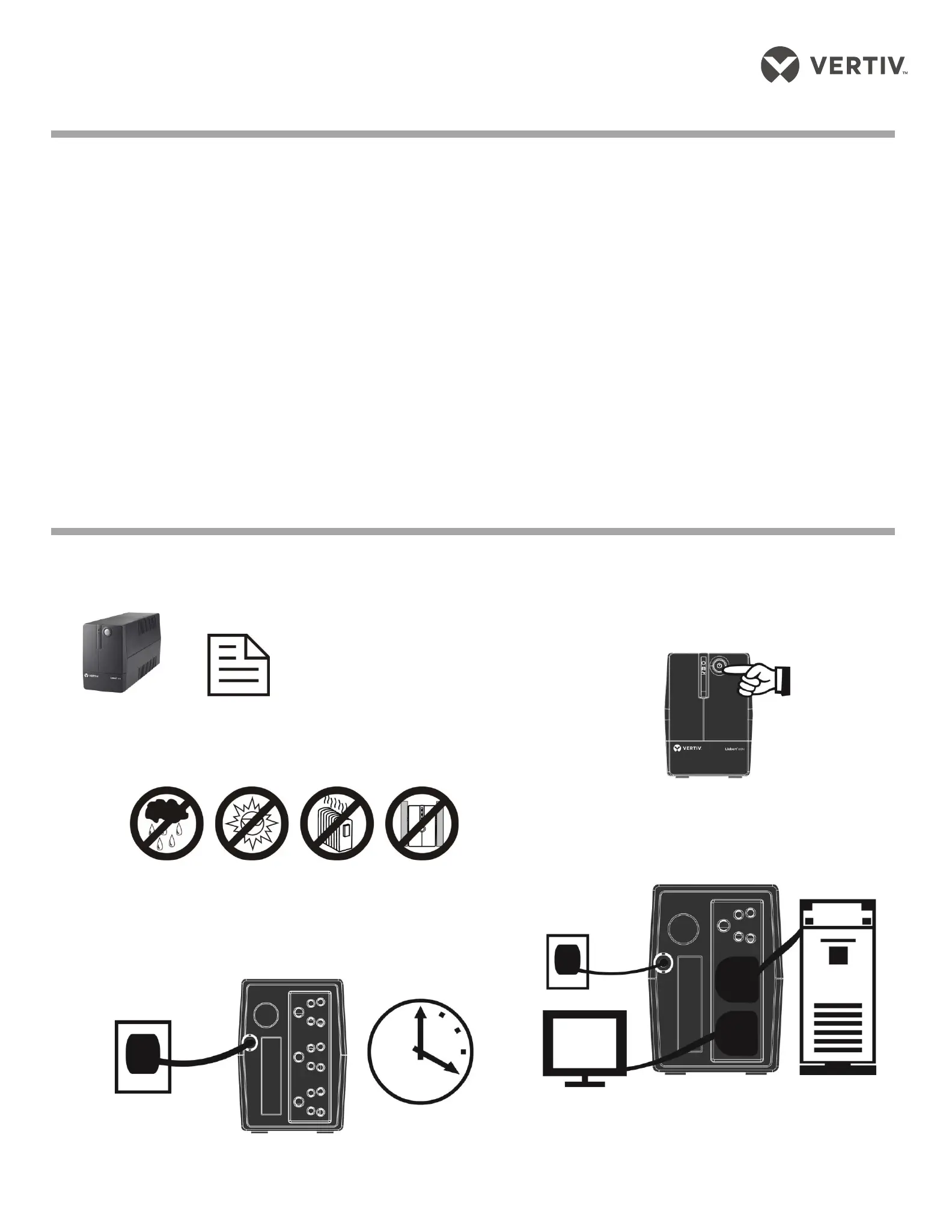
Inspect the package and the UPS upon receipt. Notify the carrier and dealer of visible
damage.
UPS Quick-start guide
5BStep 2 Decide Where to Place the UPS
The UPS must be placed indoors, protected from water, direct sunlight and excessive
heat.
Provide at least 7.8” (20 cm) of clearance on all sides of the unit for proper ventilation.
6BStep 3 Charge the UPS Battery Before Use
The UPS battery is fully charged before shipping. However, some charge may be lost
during shipping and the battery should be recharged prior to use.
Plug in the AC input cord to the wall outlet. For the best results, suggest to charge
the battery at least 4 hours before initial use. The unit charges its battery while
connecting to the utility.
7BStep 4 Start the UPS
After the battery is fully charged:
Turn on the UPS by pressing the On/Off button. (see below
figure)
LED should be illuminated (green), indicating the UPS is
operating in Normal mode.
8BStep 5 Connect the Loads
The UPS has three battery backup outlets that provide power
when the UPS operates on battery. (see Figure 2 on next page)
Plug the loads into the battery backup outlets on the rear of
the UPS.
CAUTION: NEVER connect a printer or scanner to the UPS unit. This
may cause the damage of the unit. The UPS is suitable for single PC
+ small router/modem(100W) load only. Not recommended for
multiple PC system


 To Next Page
 Loading...