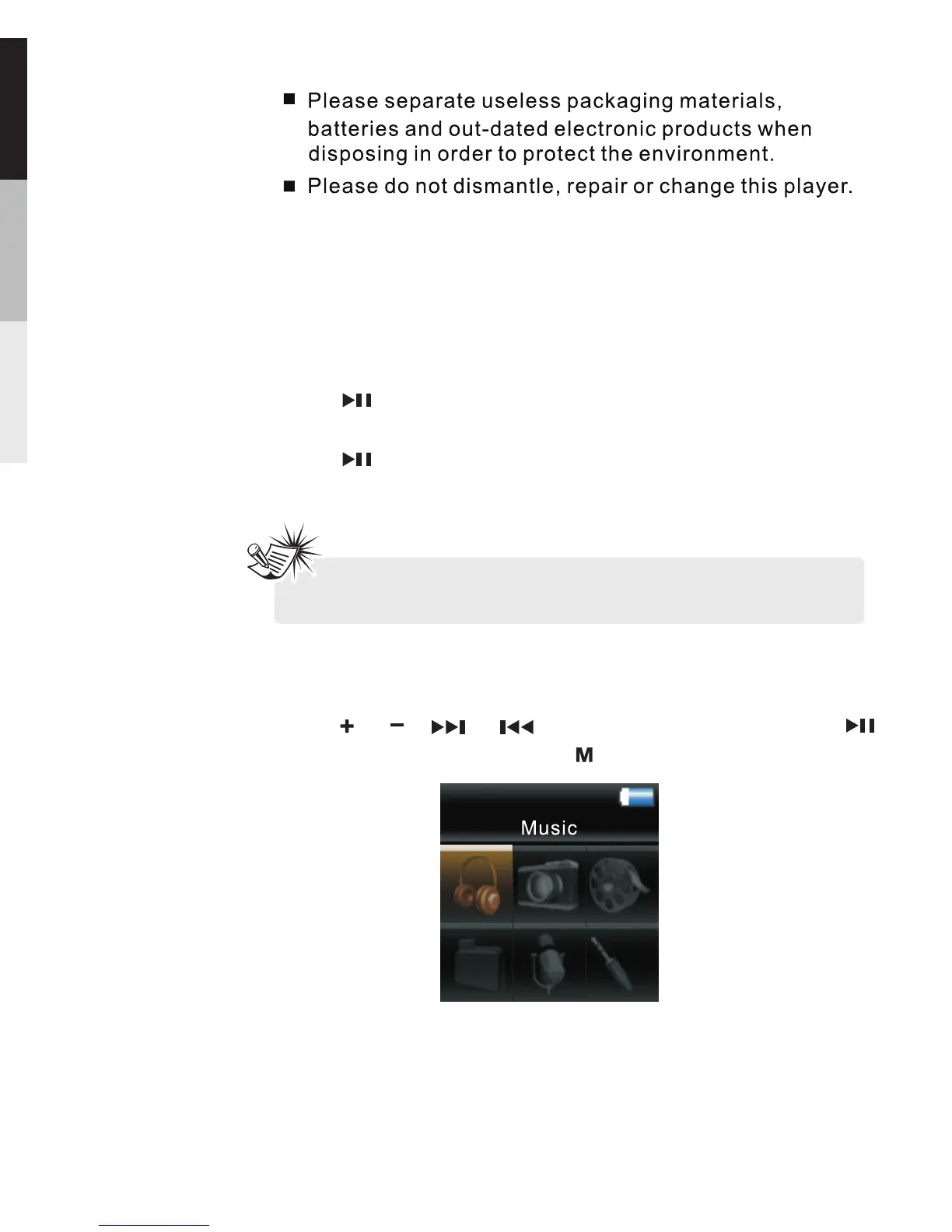
Press or , or to , press“ ”
to confirm selection , press“ ”to return.
make a selection
1.Music
2.Picture
3.Videos
4.My Selections
5.Voice Recording
6.Line-in Recording
Main menu
Power on/off
Press button, the device switches on and
VERVE appears in the LCD.
Press and hold for app 2 second , The device
switches off and “shutting down” appears in the LCD.
8
GENERAL CONTROLS
Note: Remember to release the HOLD switch before
using the player,and lock it when not in use.


 To Next Page