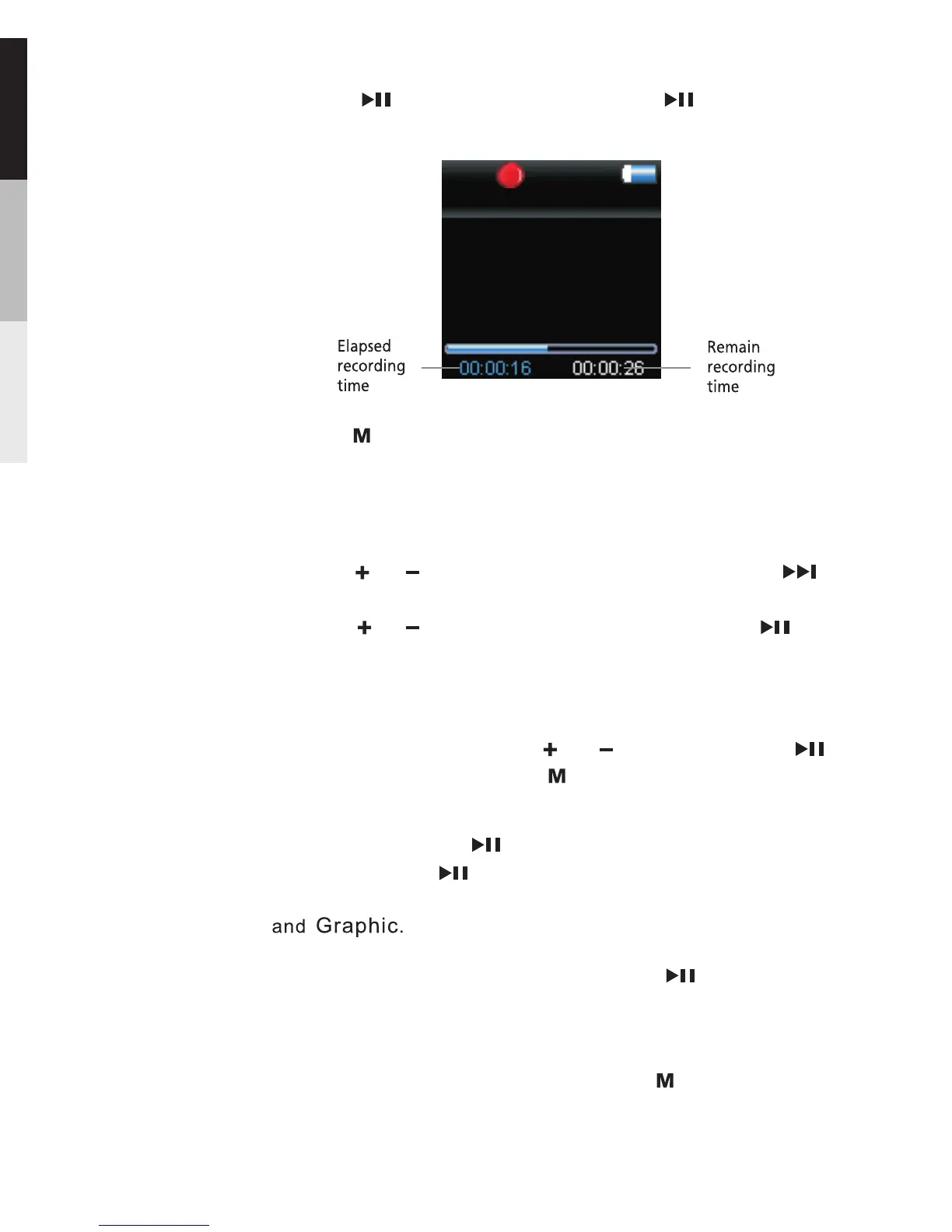
5.Press to pause recording. Press again to resume
recording.
6.press to stop recording.
Playback Recorded Voice Recording
1.Follow steps 1-2 above to enter the Voice Recording
sub-menu.
2.Press or to highlight “ Play Back ” and press to
confirm your selection.
3.Press or to highlight the recorded file and to start
playback.
Voice Recording
wav
VOICE003
Repeat …… Press repeatedly to select a repeat mode.
Slide show … … defines the viewing time for This
each picture during a slideshow. Press repeatedly to
select among:off,3,5,10 and 15 seconds.
Adding Files to My Selections … … You can add your
favorite songs to my Selections.
Clearing My Selections … … Press during playback
to access the Player s menu. Highlight “Clear MySel”.
,
Delete file: You can delete now playing file.
In Playback mode, press or to select; press to
confirm or change; press to return to previous menu.
EQ … … Press to select a EQ mode.repeatedly
Options available: Flat,Bass,Classic,Pop,Rock,Jazz
14


 To Next Page