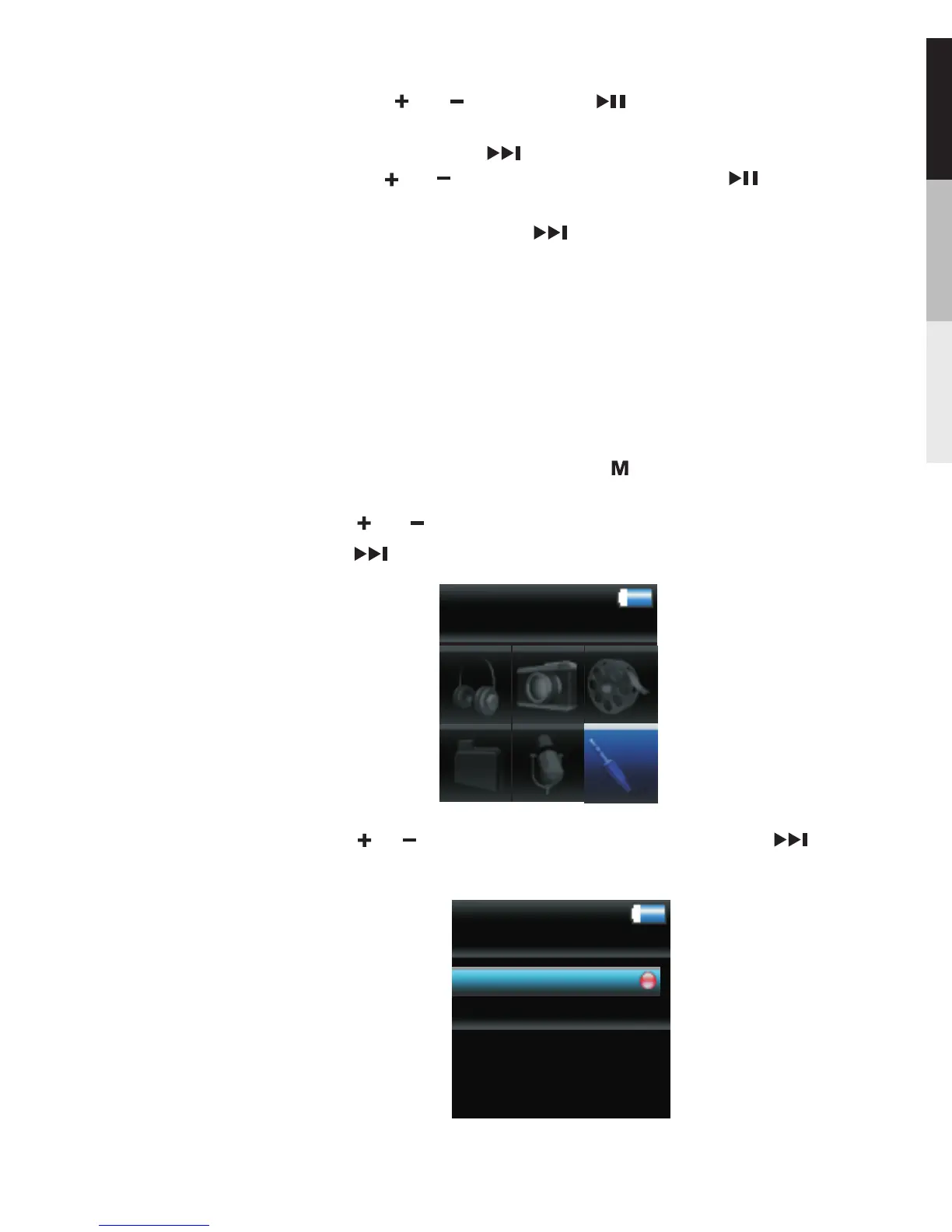
3.Press or to highlight “ Record ”. Then press to
access the line-in recording mode.
Record
Play back
Line-in Recording
1.To start line-in recording, press twice during playback
to access the Home menu.
2.Press o r to highlight “ Line-in Recording ”, Then
press to advance.
Line-in Recording
by pressing or .Then press to confirm deletion
of the selected items.
Settings … … Press to enter the settings menu and
then press or to highlight an item. Press
repeatedly to change settings.
System …… Press to show the amount of free Info
space available and the firmware version.
15
Line-in Recording
Line-in Recording is for recording directly from another
audio device that has a heaphone or Line out port. Connect
one end of the supplied cable into the other audio device's
heaphone or Line out port, and the other end into the
Earphone/Line-in/Data socket on this player.



 To Next Page