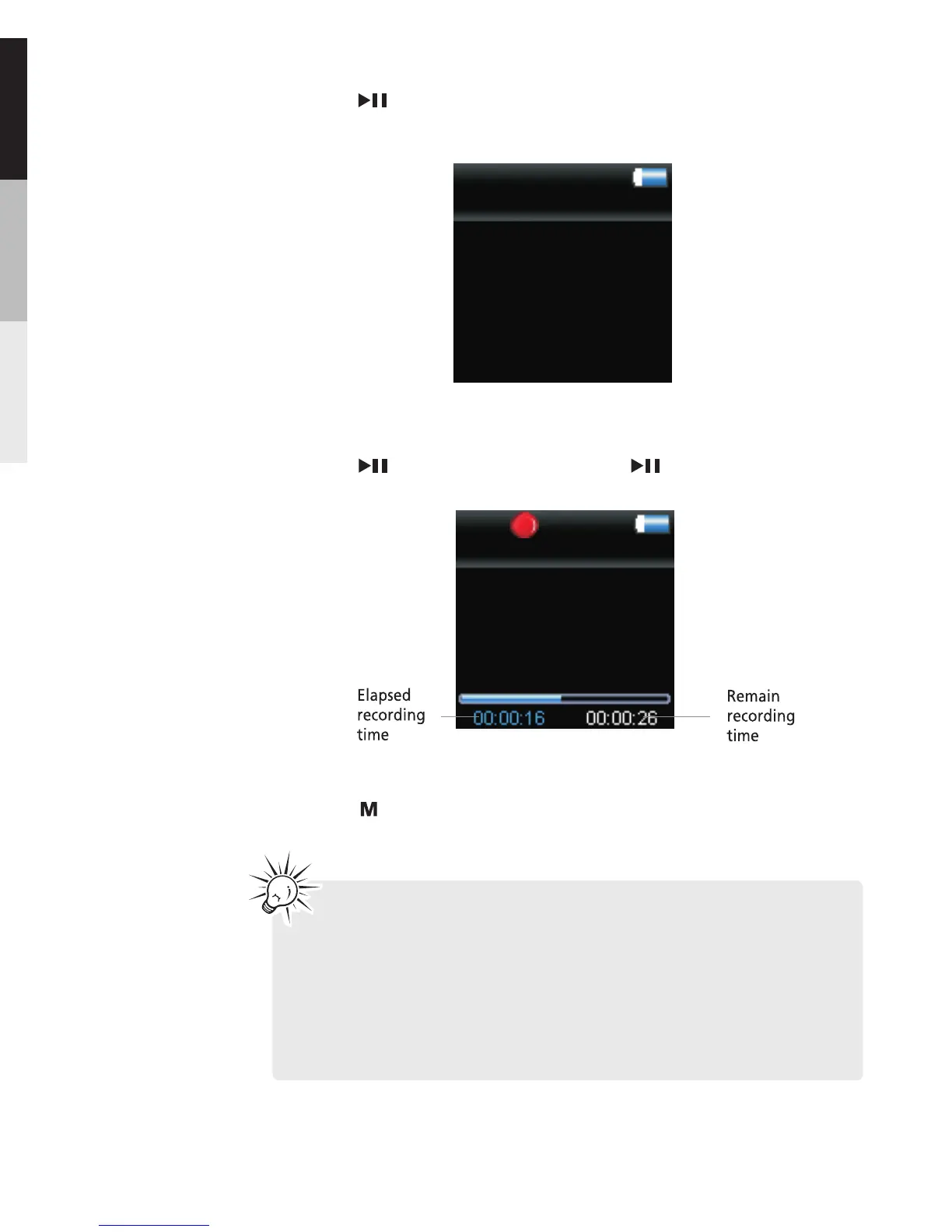
6.Press to stop recording.
5.Press to pause record. Press again to resume
recording.
wav
VOICE003
Line-in Recording
4.Press when the display shows “ Ready ” to start
line-in recording
Line-in Recording
Ready
Tips: Adjust the volume level of the source audio device
in order to achieve the optimum recording quality. The
source output varies from model to model. You might want
to experiment with a few recordings to determine the
proper volume output of the source to get optimum
recording quality from the player. Recommend starting
the source at around the room volume level.
16


 To Next Page